Meme Generator & Maker

Make memes from images, videos, and GIFs for free
Use the Internet’s most famous meme generator for free

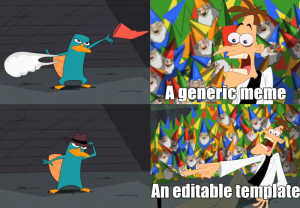
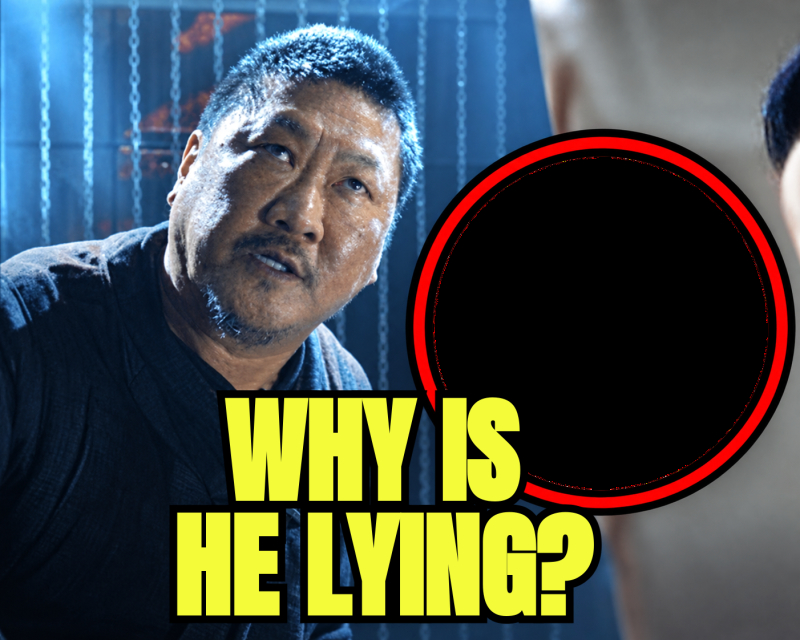
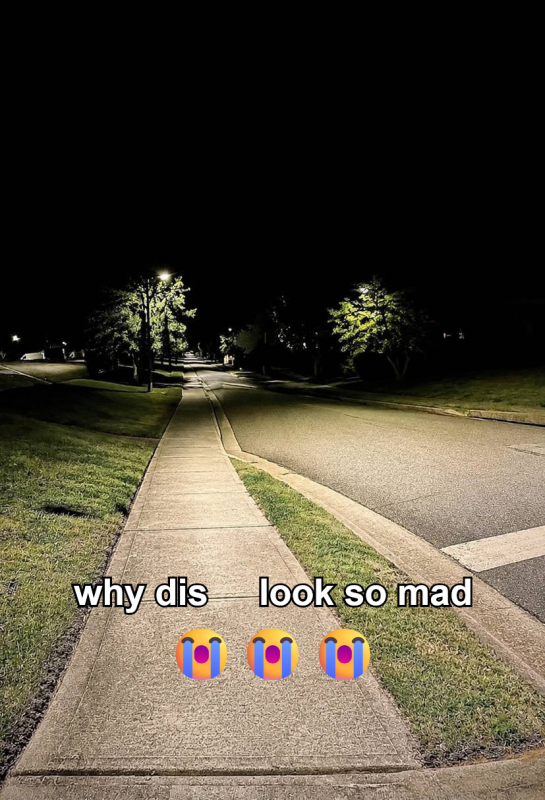
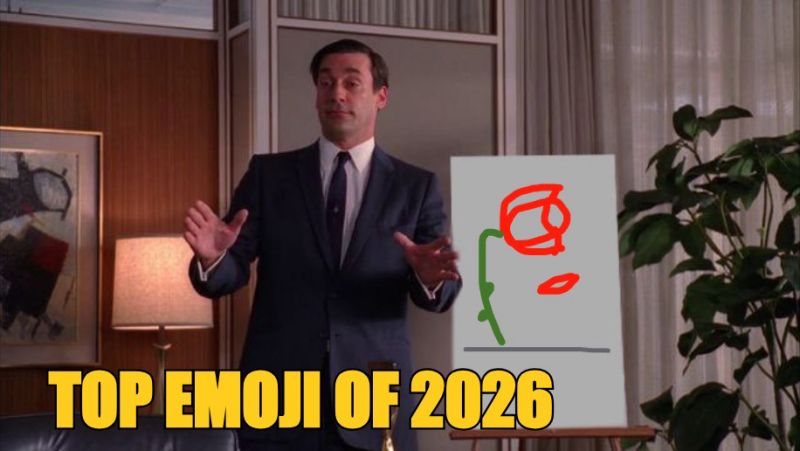
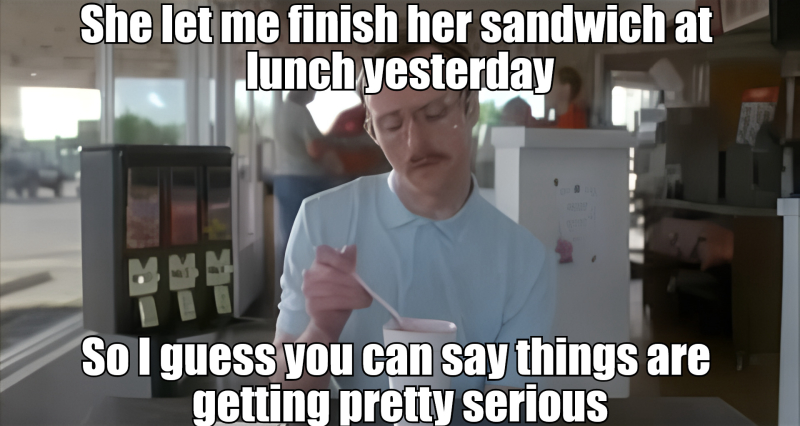
Kapwing's online meme maker makes it easy to create memes from scratch or customize popular templates for free. Our extensive template library spans over a decade of pop culture, from classic Drake Hotline Bling memes to the latest trends. You can quickly generate, edit, and share memes to social media with just a few clicks.


Kapwing supports video memes and offers 2,000+ meme templates to choose from. Whether you’re uploading an image and adding classic Impact text, crafting a shareable GIF, or editing a video using AI tools, Kapwing's intuitive editor provides everything you need.


Free access includes 100+ text font styles, customizable templates inspired by trending news, and pre-set aspect ratios optimized for platforms like YouTube, TikTok, Instagram, X (formerly Twitter), and Facebook.

Use the Internet’s most famous meme generator for free
There's a meme for every moment

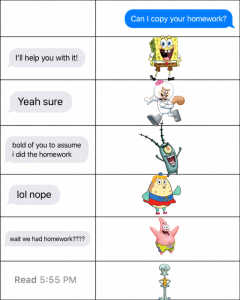
Creators use Kapwing to make memes in seconds, weaving the latest pop culture references into videos, GIFs, and work-based projects. Need Spider-Man to save the day? Kapwing has a meme for that. Desperate for a funny Spongebob-themed joke? Look no further.


From classic October 3rd captions to more modern Brat artwork, search the toolbar above to find your perfect meme and start generating memes online for free. Accessible on any device from mobile to desktop, our meme maker supports multiple export formats, including MP4, JPEG, GIF, and PNG, so your memes are easy to share across online platforms.

There's a meme for every moment
Step by Step

How to Make a Meme Online

Video Poster
  1. Step 1
    Upload a file or pick a template
    Upload the image or video you want to turn into a meme, or choose from Kapwing's collection of 2,000+ meme templates.
  2. Step 2
    Add captions and styling
    Choose from 100+ font styles and animations to layer text on your meme. Position the text and make any other edits.
  3. Step 3
    Export and share anywhere
    Export your final project as an image, video, or GIF. Download to any device or share with an auto-generated Kapwing URL.
Just the FAQs

Frequently Asked Questions

We have answers to the most common questions that our users ask.

What is a meme?

A meme is a cultural idea, joke, or trend expressed through text, images, videos, or GIFs, designed to be easily shared and adapted online. Memes spread quickly across social platforms, messaging apps, and online communities. Internet memes gained popularity in the early 2000s with viral images like Dancing Baby and Lolcats, evolving into a cornerstone of online culture by the 2010s.

How do you make a meme online?

Kapwing offers two simple ways to create a meme online. You can upload your own image or video to the editor and turn it into a meme by adding text from the left toolbar. Or choose from Kapwing’s library of meme templates, including blank memes, video memes, and GIF memes, with fresh templates for pop culture, sports, and current events.

What image, video, and GIF formats does Kapwing support?

Kapwing supports a wide range of formats for uploading and exporting memes. This includes MP3, MP4, AVI, MOV, JPEG, PNG, GIF, and more.

Is Kapwing's Meme Generator free to use?

Yes, you can use Kapwing’s Meme Generator for free. This includes access to Kapwing’s library of templates alongside the ability to upload content and create your own meme.

Does Kapwing's meme maker export with a watermark?

If you are using Kapwing on a Free account, then all exports — including meme maker creations — will include a watermark. Upgrade to a Pro account to remove the watermark.

Can I customize memes using Kapwing’s meme editor?

Yes. Upload a meme from your device or paste a public URL into Kapwing. Then customize it by removing the background, adding text, emojis, images, or videos, resizing for social media, and more.

What should a meme include?

A meme should include a relatable image or video paired with concise, humorous, or impactful text that reinforces the message. Simple formatting, clear captions, and relevance to current trends help a meme resonate with its audience.

What font should I use for memes?

The most commonly used font for memes is Impact, known for its bold, all-caps style that makes text stand out against images. Alternatives like Arial, Comic Sans, or Helvetica are also used for a cleaner or more modern look, depending on the tone of the meme. All of these fonts are available on Kapwing.

What types of meme templates does Kapwing have?

Kapwing’s meme templates are available in three formats: video, image, and GIF. The template library is regularly updated with content related to pop culture, politics, sports, current events, seasonal trends, and lifestyle topics.

How do you use the meme creator on iPhone or Android?

To create a meme on a mobile device using Kapwing, upload your image or video and use the "Text" tab at the bottom of the screen to add captions. To explore meme templates, select "Images" at the bottom, then choose "Templates" from the options.