Create video ads from your own footage, images, and brand assets. Add text, music, subtitles, and resize for any platform.
Make video ads in 3 steps
From raw footage to publish-ready ad in minutes — from your browser
Upload
footage, product images, and brand assets


Edit
add text, captions, music, voiceovers, or lip-synced characters
Export
as an MP4 in any aspect ratio
Everything you need to make professional video ads
Free to start. Works in your browser. Export to MP4 or GIF.
Design your entire video ad in one workflow
Build every element of your video ad without a production team or multiple subscriptions.
Upload your existing footage or start from a template, add branding, and export in 16:9, 1:1, 9:16, and more
Use AI-powered ad tools and a drag-and-drop timeline to design a logo, merge together clips, generate with AI, improve video resolution, and add subtitles.
From 6-second bumper ads to 30-second product promos, create Meta ads, TikTok campaigns, and YouTube pre-rolls — all in one workflow, exported in 4K.
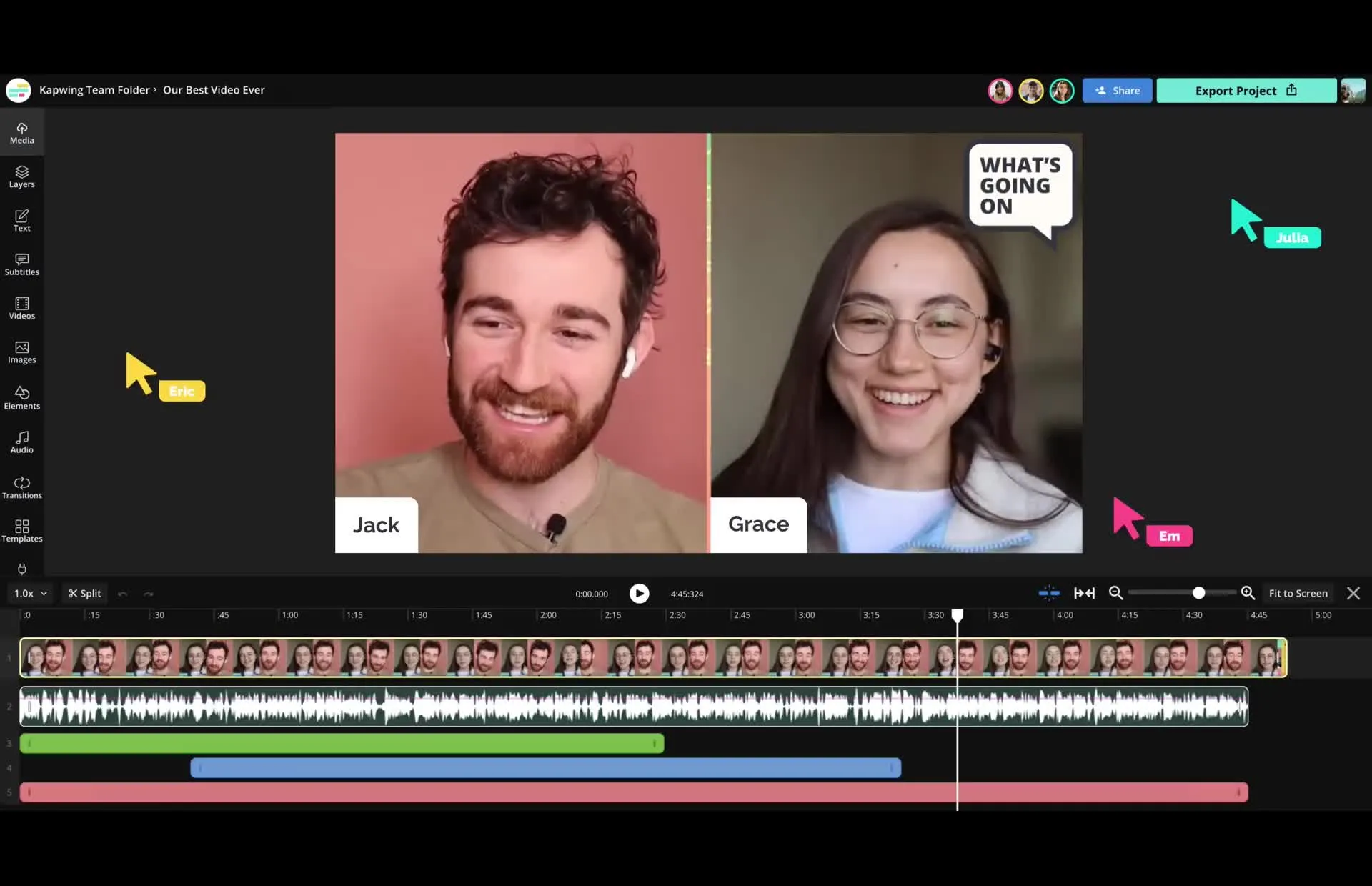
One studio. Every ad format.
Built for paid social campaigns, product promos, retargeting ads, and more
Create 1:1 and 16:9 ads optimised for Facebook feeds and Stories. Add captions for silent autoplay and export in the specs Meta requires.
TikTok
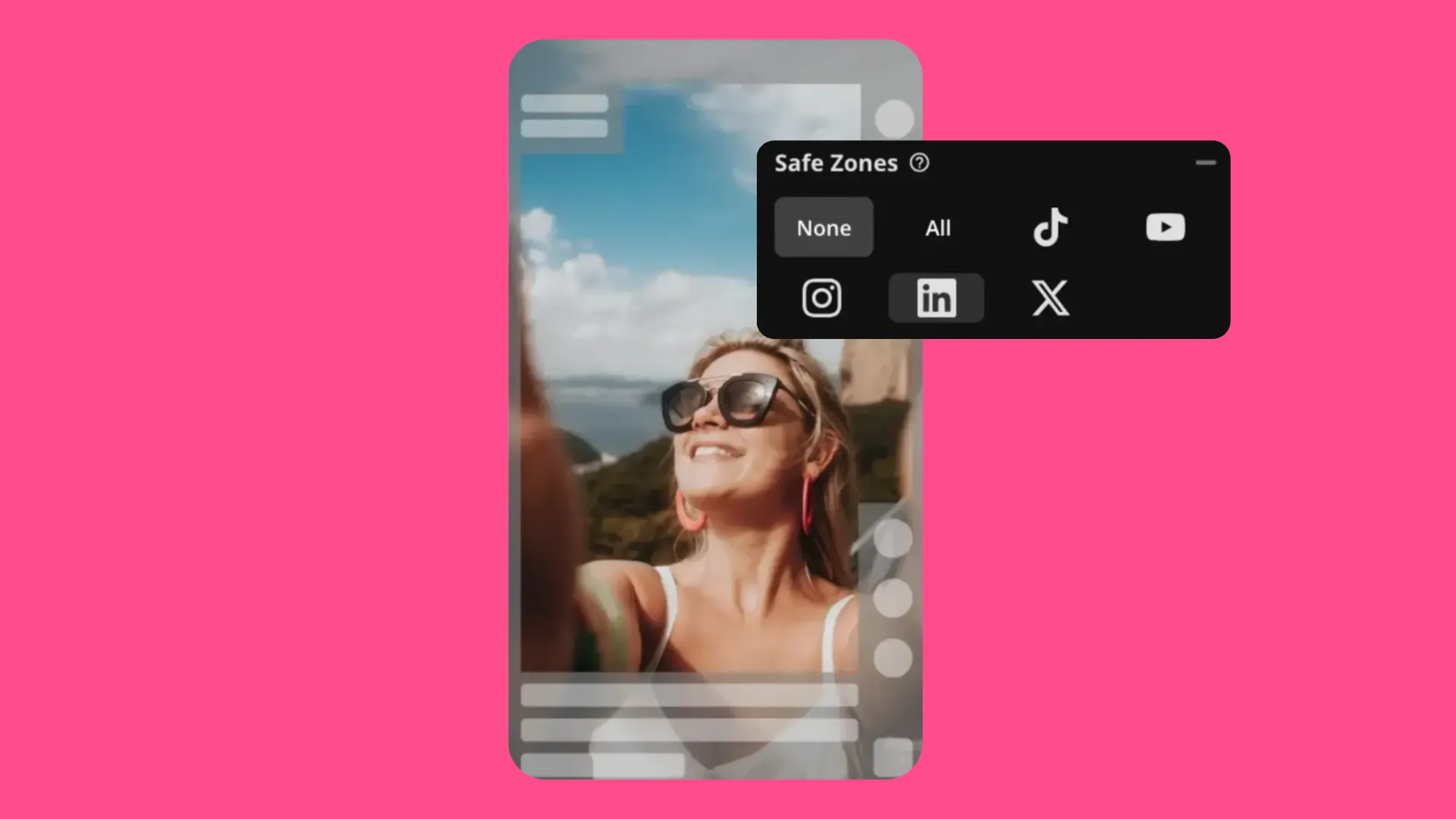
Build 9:16 vertical ads that fit TikTok's format natively, with Safe Zones to preview exactly how the video ad will look on the app
YouTube Pre-Roll
Create 16:9 HD video ads for skippable and non-skippable YouTube pre-roll campaigns. Add a strong opening hook and a clear CTA before the skip button appears.
Reels & Stories
Design vertical ads for Instagram's full-screen formats. Animate text, add music, and brand every frame before publishing directly to Instagram without switching browser tabs.
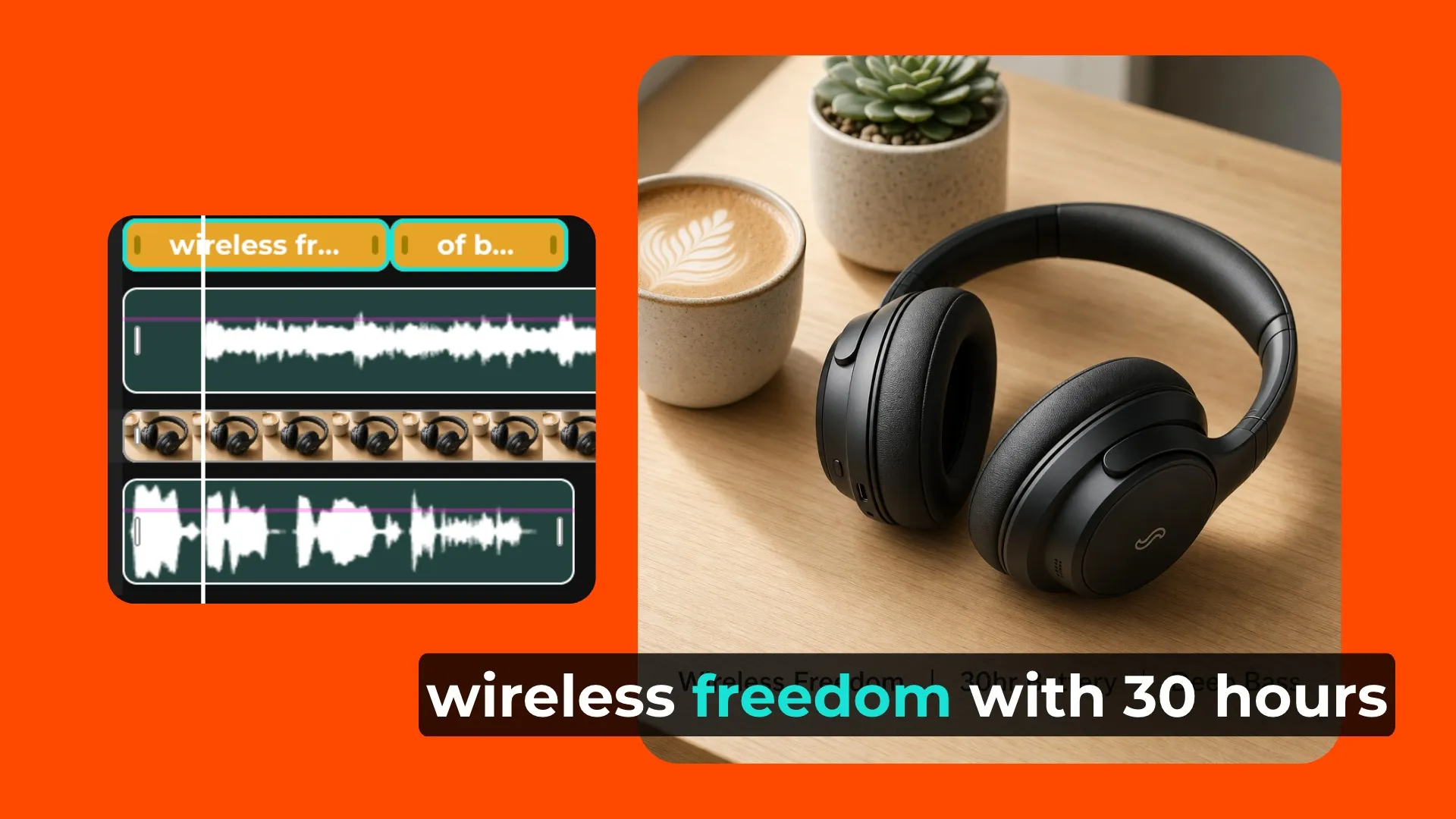
Product Launch
Turn product footage or images into a punchy promo. Add pricing, feature callouts, and a direct CTA — ready to run in under 10 minutes.
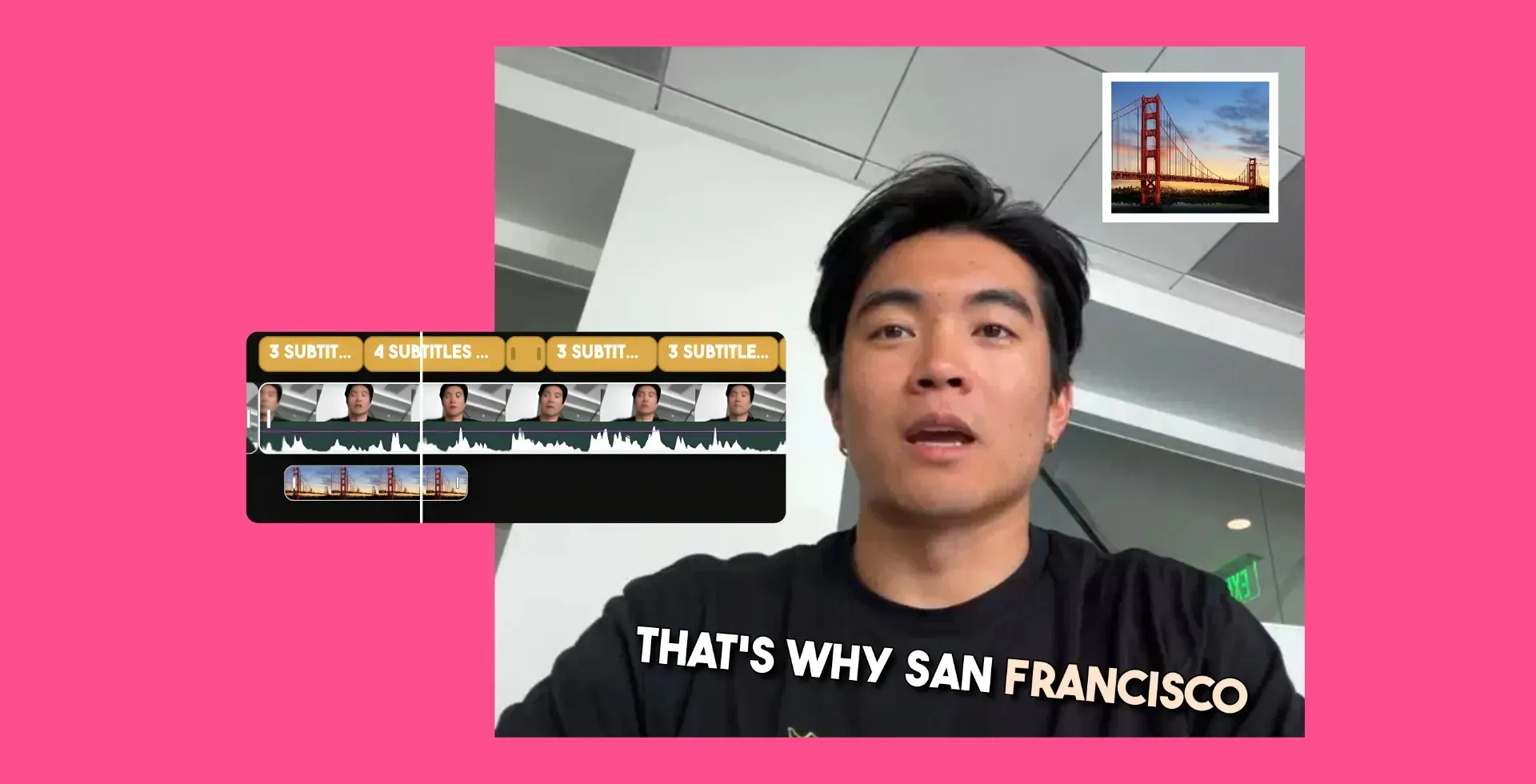
Brand Awareness
Create consistent, on-brand video content across every channel. Use a Brand Kit to lock in your colours, fonts, and logo across every ad you produce.
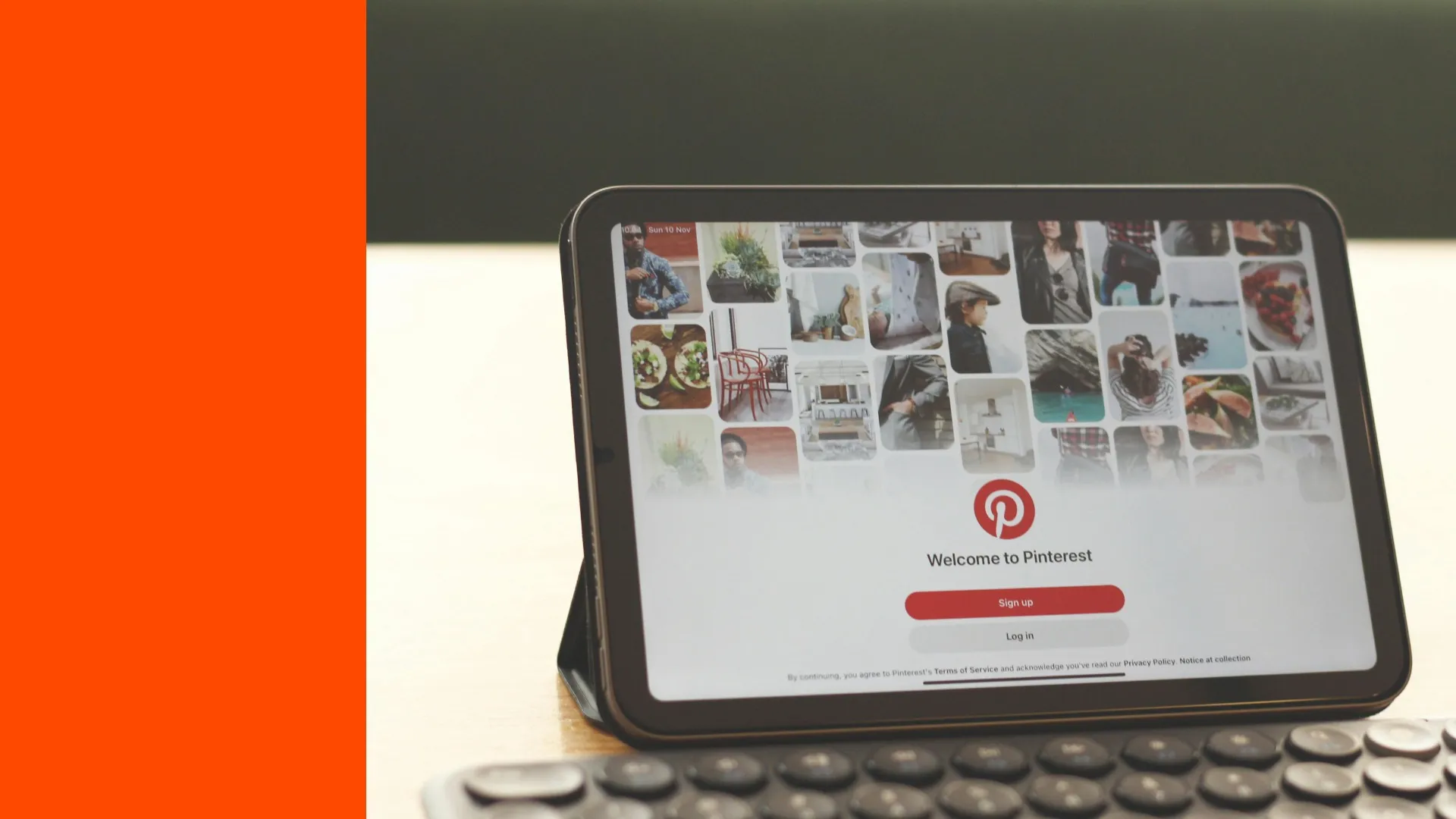
Produce 1:1 and 2:3 ads built for Pinterest's shoppable feed. Ideal for e-commerce brands — add product callouts, pricing, and a direct link CTA in minutes
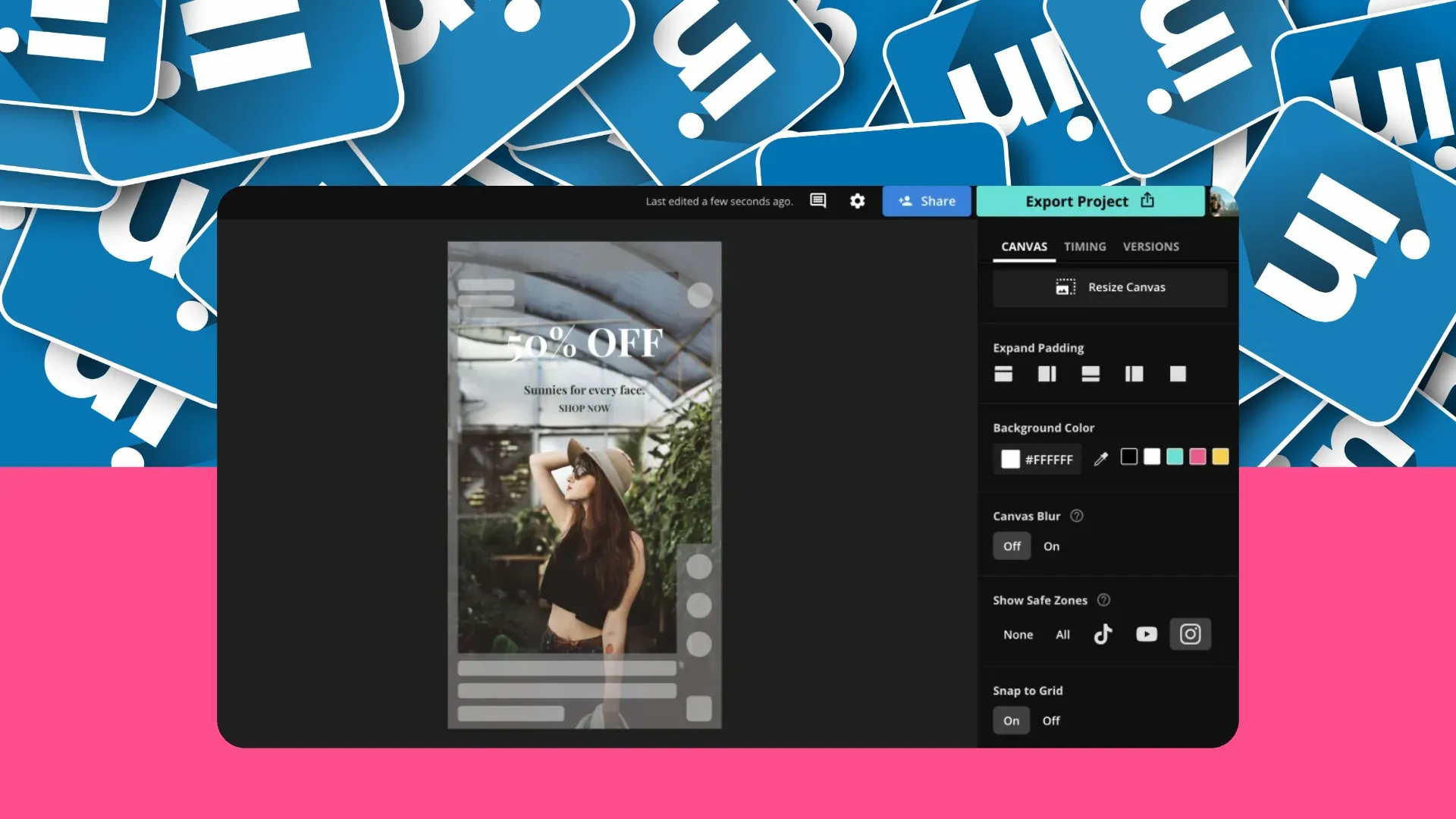
Create polished 16:9 video ads built for B2B audiences. Add professional titles, brand assets, and subtitles then export in the exact specs LinkedIn requires.
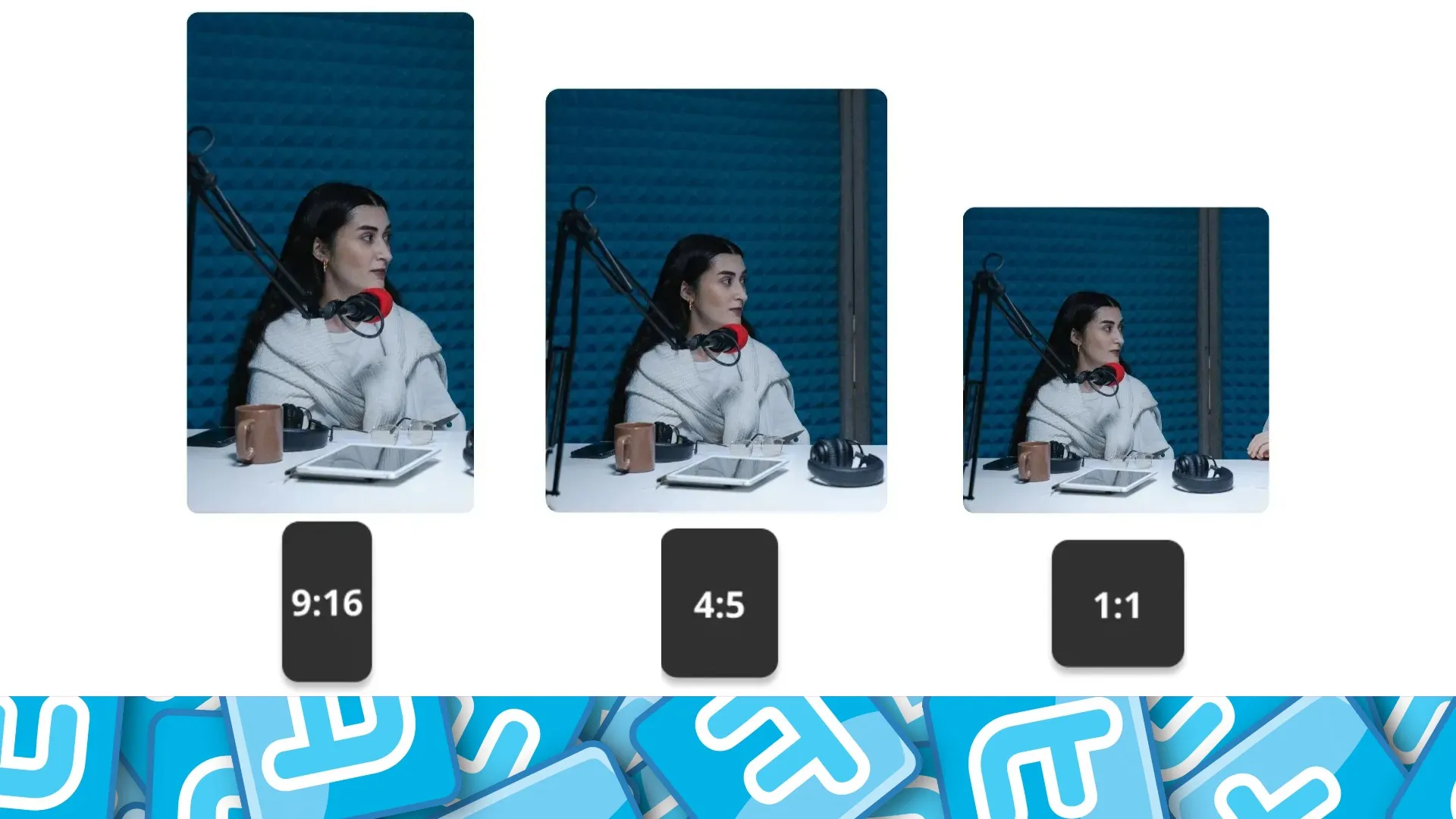
Twitter/X
Cut fast, punchy ads for X feeds. Use 16:9, 1:1, or 9:16 formats, add bold text overlays, and export videos up to 2 minutes 20 seconds.
.webp)
Retargeting Ads
Re-engage warm audiences with ads built around what they already know. Swap in dynamic text, update your CTA, and produce multiple variants fast — without starting from scratch.
How to Make a Video Ad

- Step 1Upload
Import your video clips, product photos, or screen recordings (MP4, MOV, AVI, WebM, and more supported). Or, start from one ofKapwing's video ad templates. - Step 2Edit
Layer on your logo, brand colors, and fonts using Kapwing's Brand Kit. Add animated text overlays, auto-generated captions, music, and transitions. - Step 3Export
Use theone-click resizerto reformat your ad for any platform. Export and download in HD — MP4 or GIF.
Pro video ad tools — free in your browser
Trim. Caption. Resize. Export.
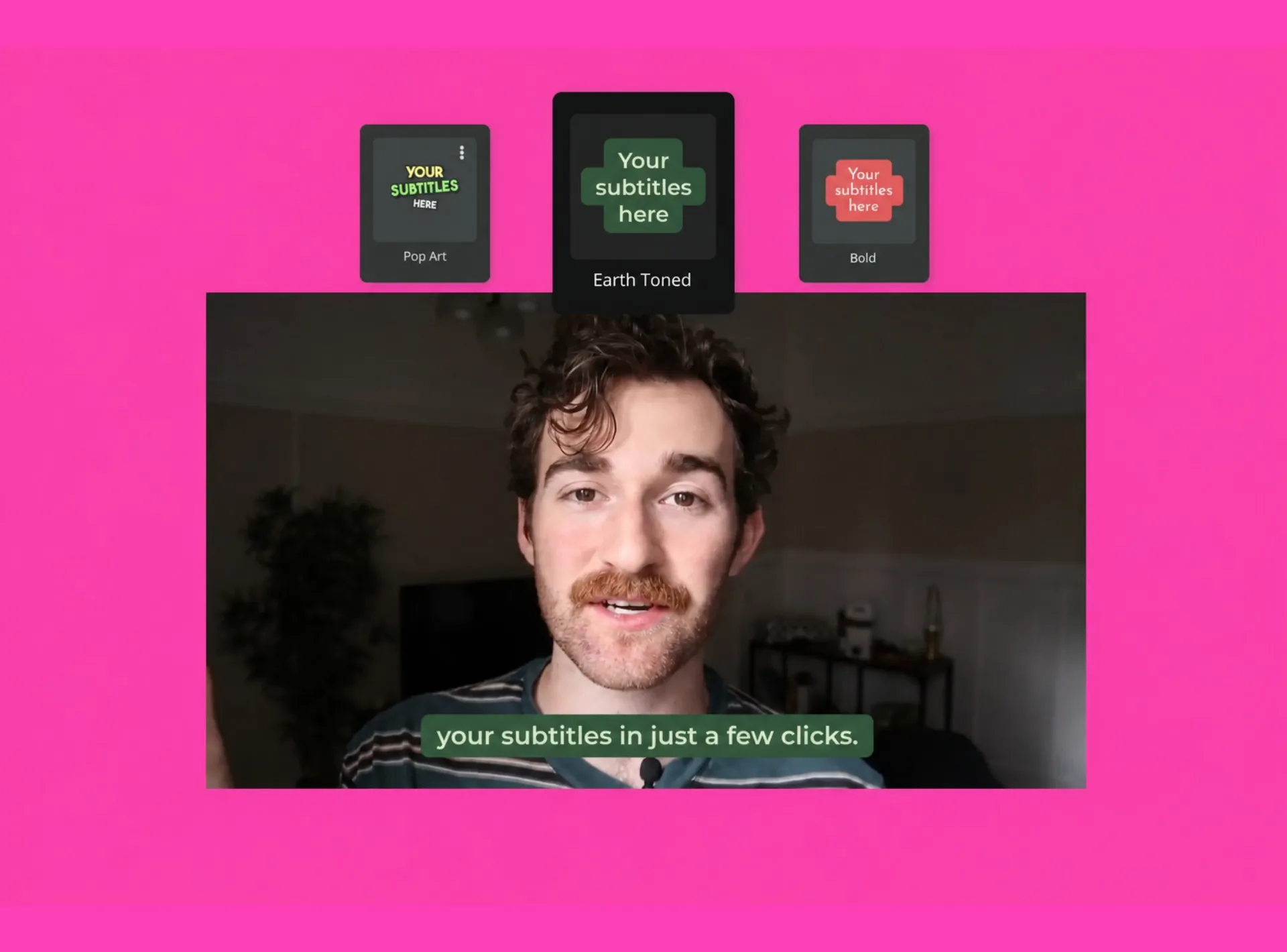
Auto-generate captions for videos that autoplay silently on Facebook and Instagram
Already transforming video creation across industries
Hear directly from the teams who publish faster, collaborate better, and stay ahead.


Frequently Asked Questions
We have answers to the most common questions that our users ask.
Is Kapwing's video ad maker free?
Yes. Kapwing is free for anyone to start. Free accounts can create, edit, and export video ads. A Kapwing Pro subscription removes watermarks, unlocks 4K exports, and gives you access to premium templates and advanced features.
Is there a watermark on exports?
If you are using Kapwing on a Free account then all exports will contain a watermark. Once you upgrade to a Pro account the watermark will be completely removed from your creations.
What size should my video ad be?
Common specs for video ads include:
Facebook Feed(1:1 or 16:9)Instagram Reels and Stories(9:16, 1080×1920)TikTok Ads (9:16, 1080×1920)YouTube pre-roll(16:9, 1920×1080).
Use Kapwing's resize tool to reformat your ad to any of these in one click — no manual cropping needed.
Can I add my logo, brand colors, and fonts?
Yes. Kapwing's Brand Kit lets you upload your logo, store your brand colors, and set your fonts so they're available in every project. You can place your logo anywhere on the video and lock its position across all exports.
Do I need to download software to make a video ad?
No. Kapwing runs entirely in your browser — no download, no installation. It works on Mac, Windows, Chromebook, and mobile devices. Your projects are saved in the cloud, so you can pick up where you left off on any device.
How long does it take to make a video ad with Kapwing?
Most users create their first video ad in under 10 minutes using a template or by starting with an AI generation. Starting from raw footage typically takes 15–30 minutes depending on complexity — trimming, adding text overlays, captions, a logo, and resizing for multiple platforms.
How is this different from Kapwing's AI Ad Generator?
Kapwing's full editor is built for creating ads from your own footage, images, and assets using a full drag-and-drop timeline. Kapwing's AI Ad Generator is designed for generating ads from scratch — from a text prompt, product image, or script. Both tools share the same editor, so you can start with AI generation and finish with manual edits, or skip AI entirely and work from your own footage.
Can I post ads directly to social media?
Yes. Once your video ad is ready, download your ad or publish directly to supported social platforms.
How do I add captions to my video ad automatically?
Upload your video to Kapwing, then open the subtitles tool. Kapwing uses AI to automatically transcribe your audio and generate timed captions — no manual syncing needed. You can edit individual lines, adjust timing, change the font and style, and position captions anywhere on screen.
What makes a video ad perform well?
The highest-performing video ads share a few things in common.
- Hook the viewer in the first 1–3 seconds.
- Design for silent viewing by adding captions.
- Keep it short: 15–30 seconds is the sweet spot for most paid social formats.
- Use a single, clear CTA: One action, not three.
How long should a video ad be?
It depends on the platform and the objective, but shorter is almost always better for paid social. As a guide:
- TikTok Ads perform best at 15–30 seconds.
- Facebook and Instagram feed ads at 15–30 seconds.
- Instagram Reels and Stories at up to 60 seconds.
- YouTube pre-roll ads at 15–30 seconds (skippable at 5s).
- YouTube bumper ads are exactly 6 seconds non-skippable.
- Pinterest video ads perform well at 6–15 seconds.
- LinkedIn video ads can run longer (up to 30 minutes), but 15–30 seconds is recommended for awareness.
Can I use Kapwing with my team to make video ads together?
Yes. Kapwing is built for team collaboration. You can invite teammates to a shared workspace, leave comments directly on the timeline, and edit projects together in real time.
Can I make video ads from images or product photos?
Yes. You don't need existing video footage to make a video ad with Kapwing. Import your product photos, brand images, or any still assets and use the timeline to animate them. This is especially effective for e-commerce brands running product launch promos or Pinterest and Facebook ads.
What video formats does Kapwing support?
You can upload MP4, MOV, AVI, WebM, and several other video formats. Kapwing exports finished video ads as MP4 (HD) or GIF.
Discover Resources
Tips, templates, and deep dives to help you create faster and share with confidence.
View all


What's different about Kapwing?



Get started with your first video in just a few clicks. Join over 35 million creators who trust Kapwing to create more content in less time.