Online Audio Editor
Upload — then remove background noise, clean audio, edit, and export as an MP3 or MP4
.webp)
Everything you need to edit audio online — powered by AI
Free to start. Trusted by 35M+ creators. Powered by ElevenLabs.
Remove background noise from audio in seconds
Upload any audio or video file, including MP3, WAV, M4A, MP4, and more.
Use Kapwing's Clean Audio tool to remove background noise, trim silences, layer music, and download a clean audio file in under 60 seconds.
Start with a podcast episode, voice over, or video — get studio-quality audio instantly. No software install. Works in your browser.
.webp)
Edit any voice recording — podcasts, voice overs, interviews
Kapwing's online Audio Editor delivers finely tuned voice recordings, no matter the source.
Ensure key messages land with crystal-clear pronunciation and minimal background disturbance.
Voice-over artists use the built-in Teleprompter for smooth script delivery, while YouTubers rely on Smart Cut to remove unwanted silences.

Trim, split, and layer music online
Kapwing's Audio Editor works as a free online music editor — add background music from a library of 100+ royalty-free tracks and combine with sound effects.
Drag and drop songs directly into your editing timeline to keep audiences engaged.
Advanced tools like Split Vocals, Smart Cut, and the AI Sound Effect Generator give you full control over every layer of your audio.
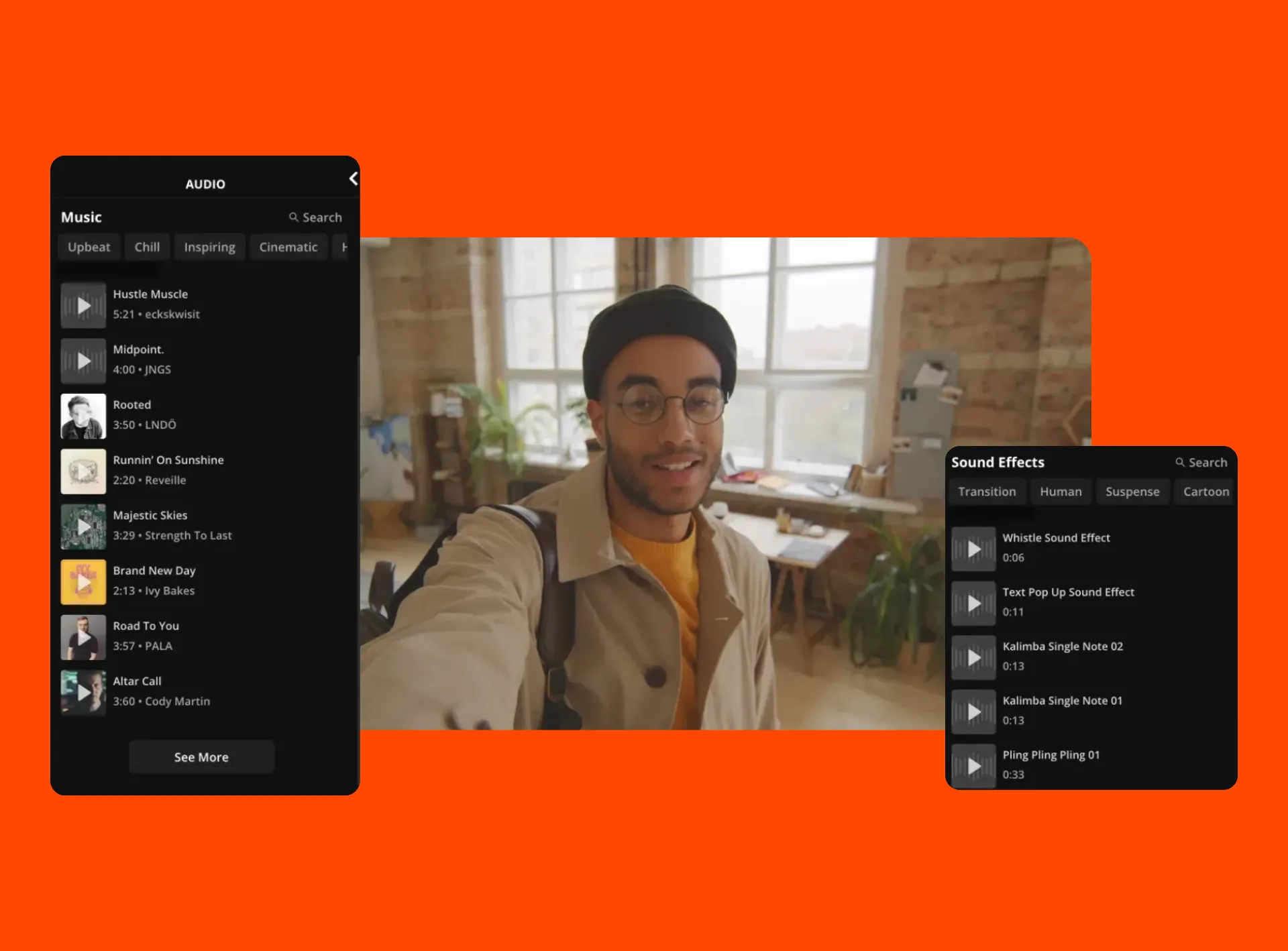
Separate vocals from audio and video files in one click
Detach audio from video and isolate vocals from music in one click. AI-powered frequency detection instantly separates human voices from instrumentals, giving you two clean tracks for remixing, karaoke, or content repurposing.
Use the free online song editor to split, rearrange, and adjust tempo and layers with precision on both licensed and royalty-free tracks.

Edit with AI — clean, enhance, and remix automatically
Kapwing's AI Audio Editor handles the time-consuming parts of audio production
Removes background noise and echo in one click
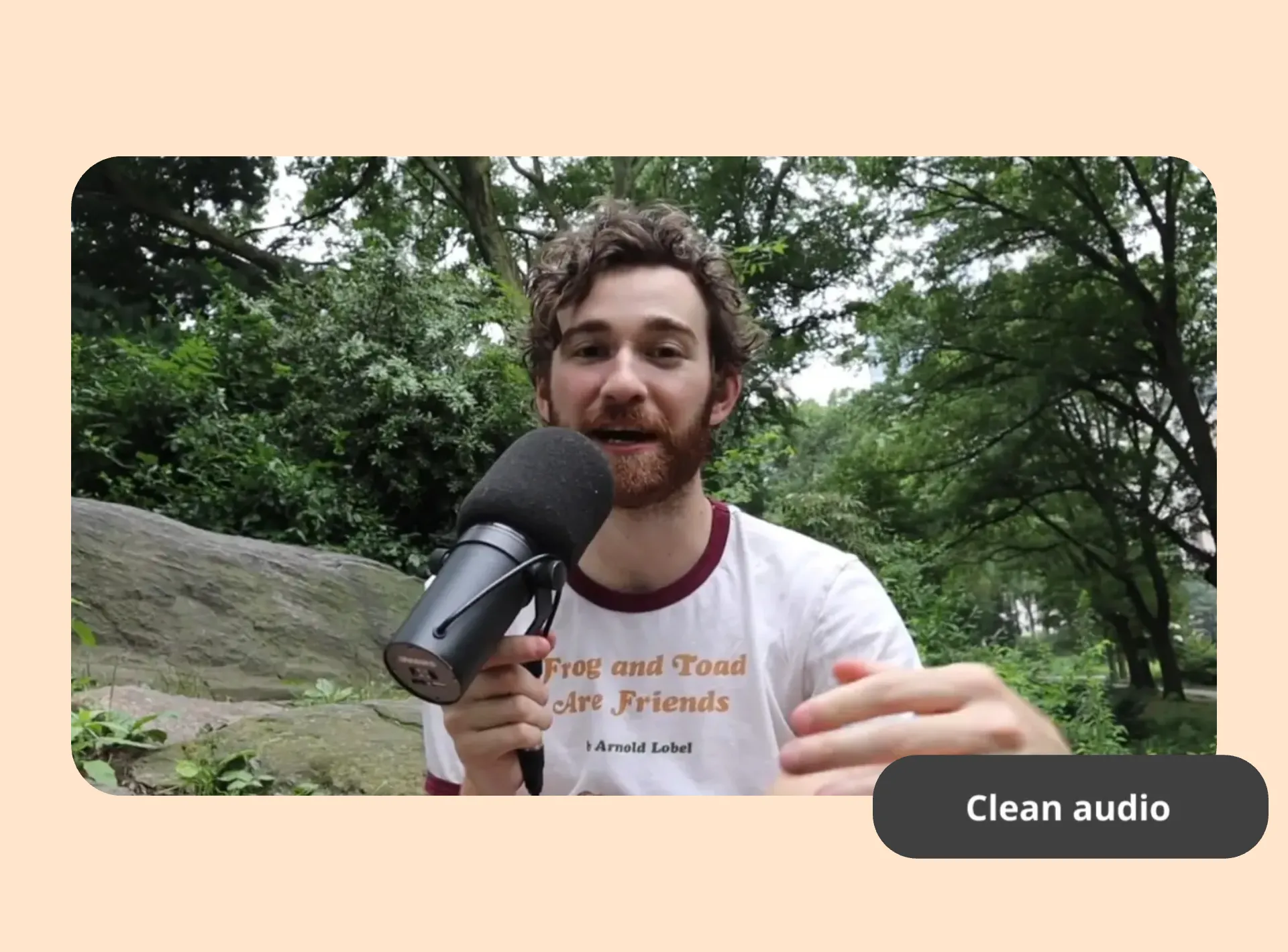
Share your story with crystal-clear audio
Millions of creators use Kapwing's Audio Editor every month
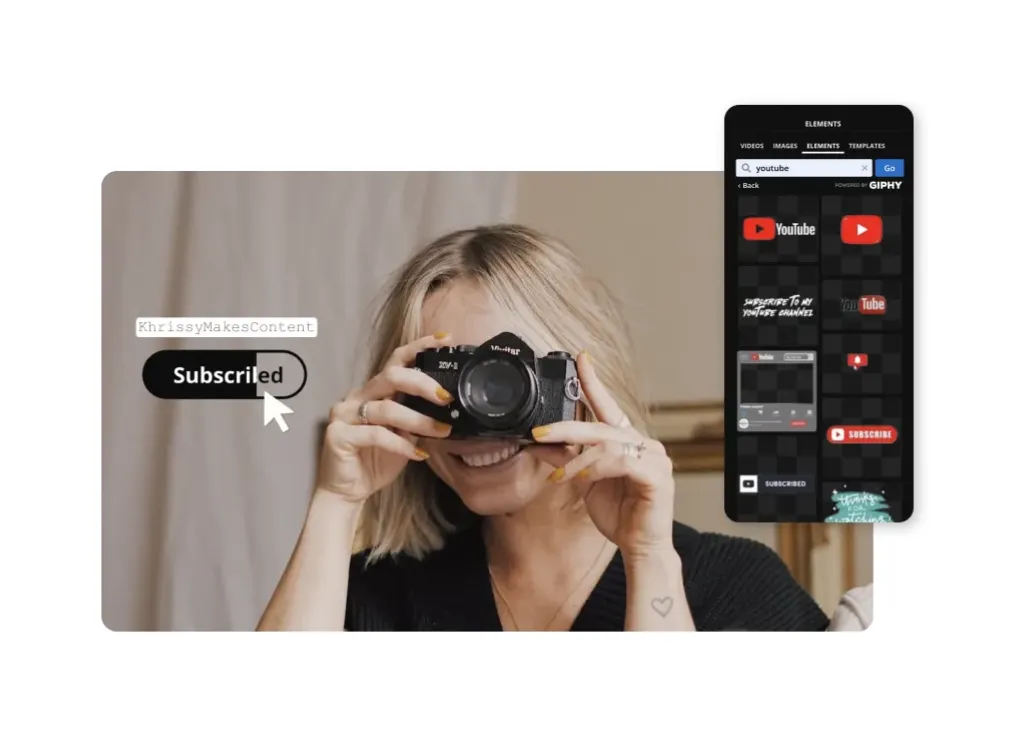
YouTubers
Cut silences automatically with Smart Cut, add subtitles, and resize for YouTube Shorts
.webp)
Podcasters
Remove background noise, clean up recordings, and export as high-quality MP3 files or share a link directly with teammates
.webp)
Social Media Managers
Repurpose long recordings and MP4 footage into short clips with AI clip selection
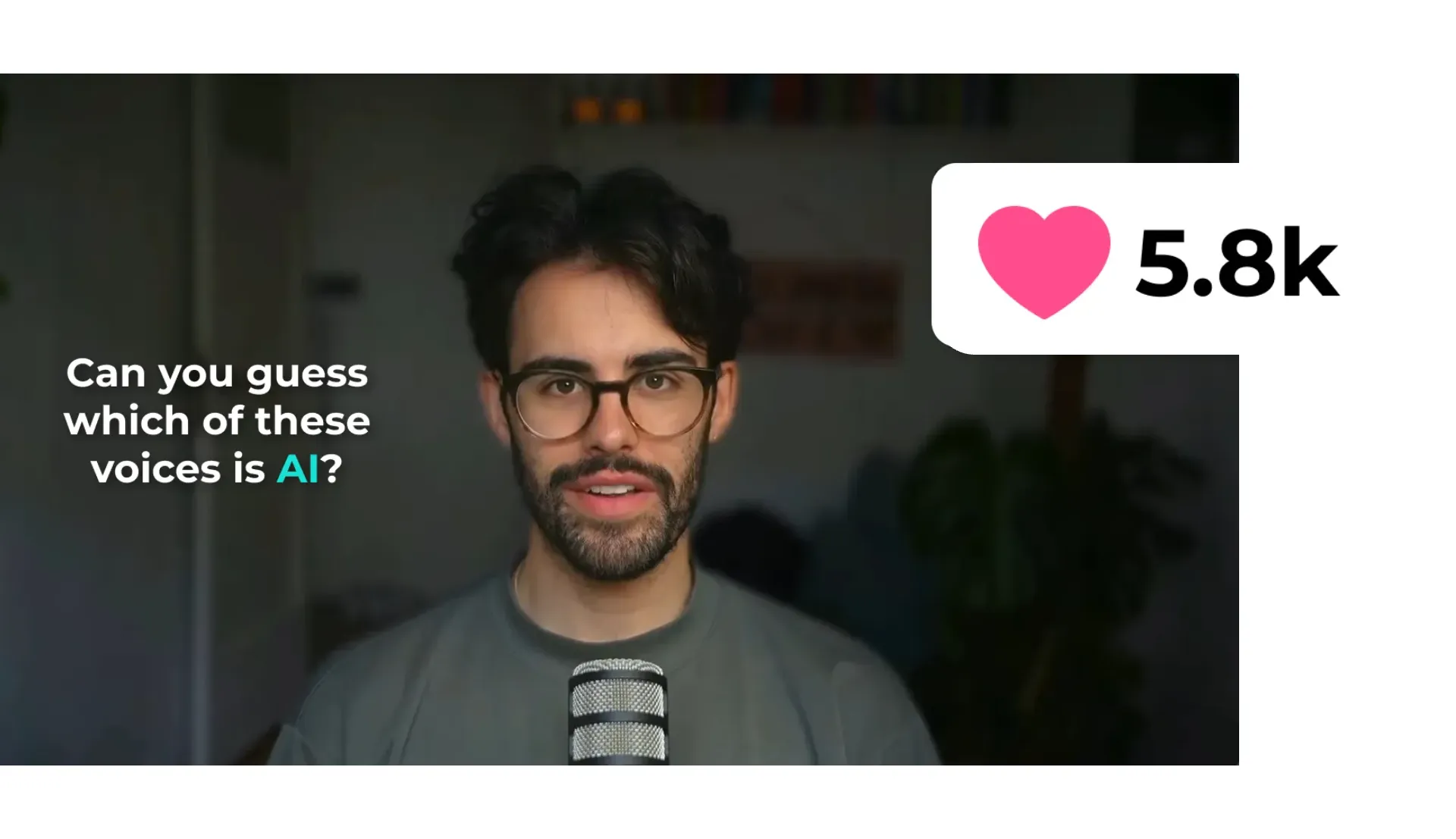
Marketers
Record with teleprompter, enhance voice clarity, and export broadcast-ready audio
Edit, transcribe, and repurpose audio content
Turn recordings into transcripts, short clips, and social-ready content — all in one place
Transform audio content to fit any text-based project
Think converting MP4 to MP3 is as good as it gets? Think again.
Use advanced AI to turn audio files into valuable text. Automatically generate transcripts for videos, podcasts, voice notes, lectures, and keynote speeches for a diverse content strategy.
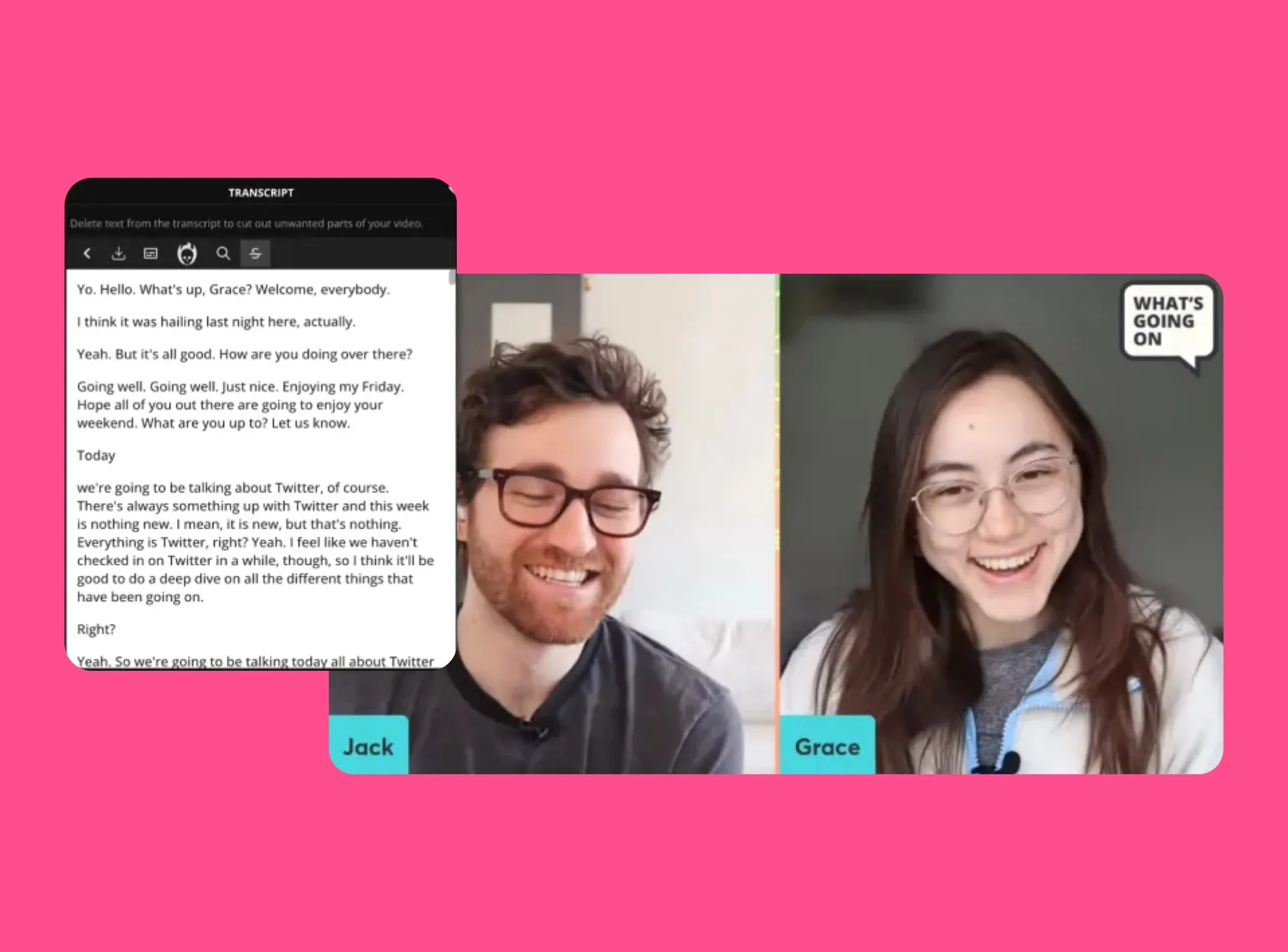
Find key moments to repurpose on social media
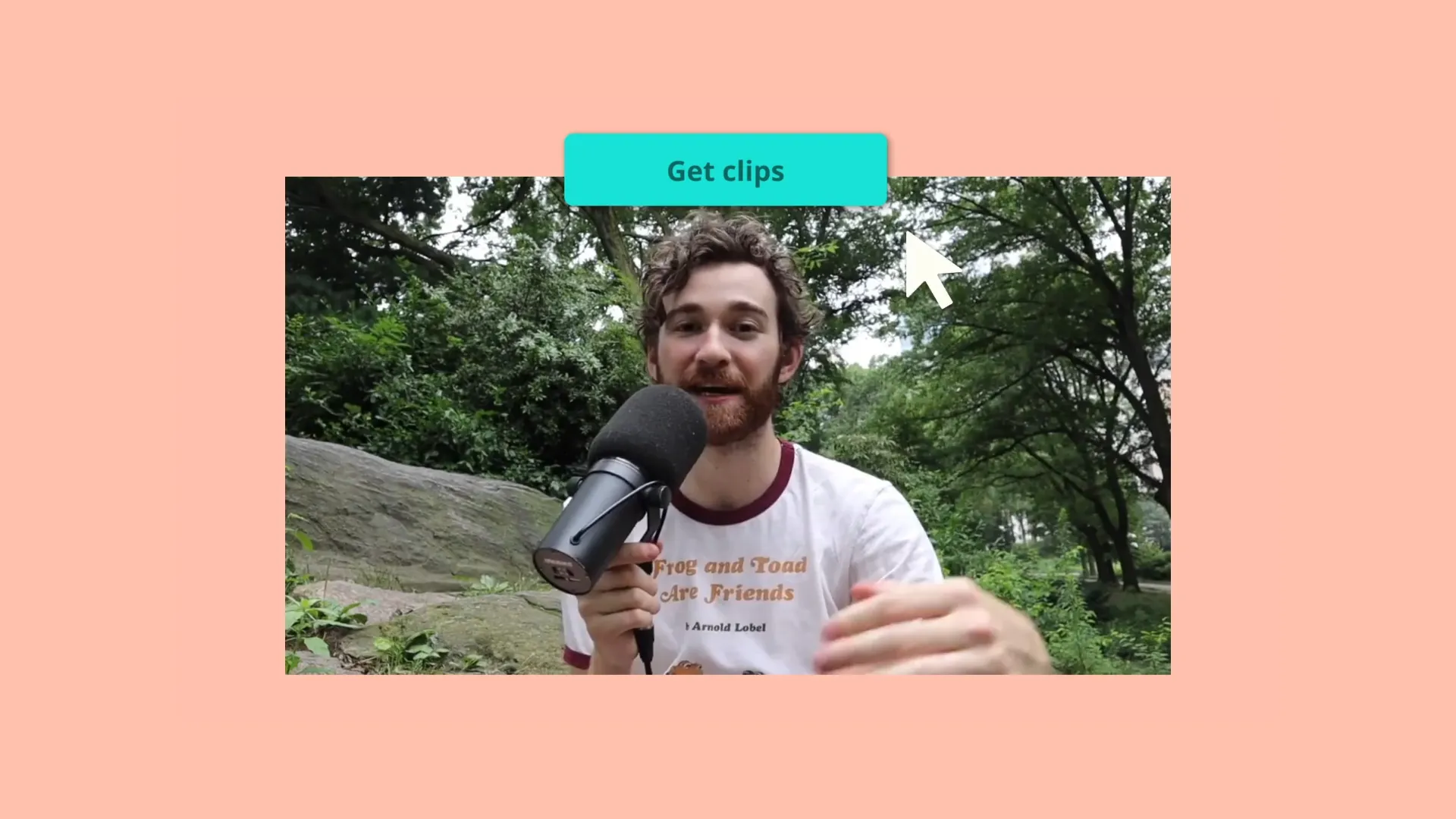
For audio or video longer than a few minutes, Kapwing's Repurpose Studio automatically pulls the best moments and converts them into short clips.
Guide the AI by specifying the type of clips you need, including topics and clip duration, and populate TikTok, Instagram, and Facebook channels in minutes.
What's different about Kapwing?



How to Edit Audio Online
- Step 1Upload audio
Upload audio files to the online audio editor — MP3, AVI, M4A, and other audio file formats are supported
- Step 2Edit audio
Clean, trim, enhance, and edit your audio files using Kapwing's AI-powered tools in the right toolbar
- Step 3Export and download
Export audio as MP3 and download, or convert to a different format such as MP4
Frequently Asked Questions
We have answers to the most common questions that our users ask.
Can I use Kapwing's Audio Editor for free?
Yes, Kapwing's Audio Editor is free to start.
- Free: Trim, split, adjust volume, speed, add music, basic MP3/MP4 export with watermark
- Pro: Clean Audio (AI noise removal), Smart Cut, watermark-free exports, unlimited processing
Is there a watermark on exports?
If you are using Kapwing on a Free account then all exports will contain a watermark. Once you upgrade to a Pro account the watermark will be completely removed from your creations.
How do I turn audio into video?
Kapwing supports a wide range of audio file formats, including MP3, WAV, WMA, and more. To convert your audio to video, just upload your audio file, click 'Export Project,' and choose 'MP4' as the output format.
How can I remove background noise from audio?
Upload your audio file or paste a URL. Then, head to 'Edit' in the right-hand toolbar and choose 'Clean Audio.' Our AI-powered tool will automatically reduce background noise for a clearer, more professional sound. Once complete, you can export your polished audio. Please note that exporting a finalized project with AI enhancements requires a paid subscription.
How does the 'Smart Cut' tool work?
Powered by advanced AI to streamline your editing process, 'Smart Cut' automatically detects and removes silent sections from your audio or video, making the process 10x faster. With an adjustable silence sensitivity bar, you have full control to fine-tune the precision of each cut
What is the best audio format to use?
The best audio format for most purposes is MP3. This is due to its wide compatibility, small file size, and good quality. For higher quality without worrying about compression loss, WAV is recommended, especially for professional editing, as it retains full audio fidelity.
Does the Audio Editor work on mobile?
Yes, Kapwing's Audio Editor is compatible with all mobile devices, including Android and iPhone. Kapwing is an online tool, with no downloads of app installments required — Simply log in and get started. For the best experience, we recommend using Google Chrome as your browser.
Can I use the Audio Editor for YouTube videos?
Yes, Kapwing's online Audio Editor is an excellent choice for creating content for all social media platforms, including YouTube. Many YouTubers use Kapwing for its powerful features, including:
- Smart Cut: Automatically remove silences, pauses, and stutters.
- Teleprompter: Easily read your script while recording.
- Clean Audio: Eliminate distracting background noise.
- Auto-Size Templates: Perfectly fit your content for YouTube and YouTube Shorts.
- Auto-Subtitles: Quickly generate subtitles using AI.
- Translation: Convert audio into over 70 languages for a broader reach.
- Speaker Focus: Automatically shift focus between speakers in a multi-voice video.
How can I use AI to enhance my audio content?
Speed up your editing workflow with these powerful AI-driven features:
- Remove Background Noise: In one click, Kapwing cleans and removes distracting background noise, ensuring your primary audio stands out clearly and professionally
- Auto-Remove Silences: Kapwing’s Smart Cut feature automatically detects and removes silences, pauses, or unwanted takes in your video or audio — perfect for talking head videos or podcasts
- Generate Custom Songs: Chat with Kapwing's AI assistant, Kai, to create unique, royalty-free songs. Easily incorporate them into your existing audio content
How long does it take to process audio when removing background noise?
Most files are processed in under 30 seconds. Longer recordings (over 30 minutes) may take up to 2 minutes.
Does Kapwing work without downloading software?
Yes. Kapwing is 100% browser-based. You can edit audio on any device — Mac, Windows, Linux, Android, or iPhone — directly in Chrome, Safari, or Firefox. No software installation is required.
Already transforming video creation across industries
Hear directly from the teams who publish faster, collaborate better, and stay ahead.


Discover Resources
Tips, templates, and deep dives to help you create faster and share with confidence.
View all


Get started with your first video in just a few clicks. Join over 35 million creators who trust Kapwing to create more content in less time.