Podcast Transcript Generator
Add your podcast.
Convert to a text transcript.

Generate an accurate podcast transcript, fast
Transcribe video and audio podcasts with timestamps and speaker labels
Turn full podcast episodes into text in minutes
Using advanced speech recognition and machine learning, Kapwing’s Podcast Transcript Generator delivers consistent, accurate podcast-to-text conversion, whether you're transcribing a short clip or a full two-hour episode.
Filler words like “um” and “err" are auto-removed from the transcript, generating clean, SEO-ready TXT files you can download for free. Podcasters, editors, and content marketers rely on the transcriber for speed and accuray, using it to create show notes, improve search visibility, and repurpose episodes across formats.
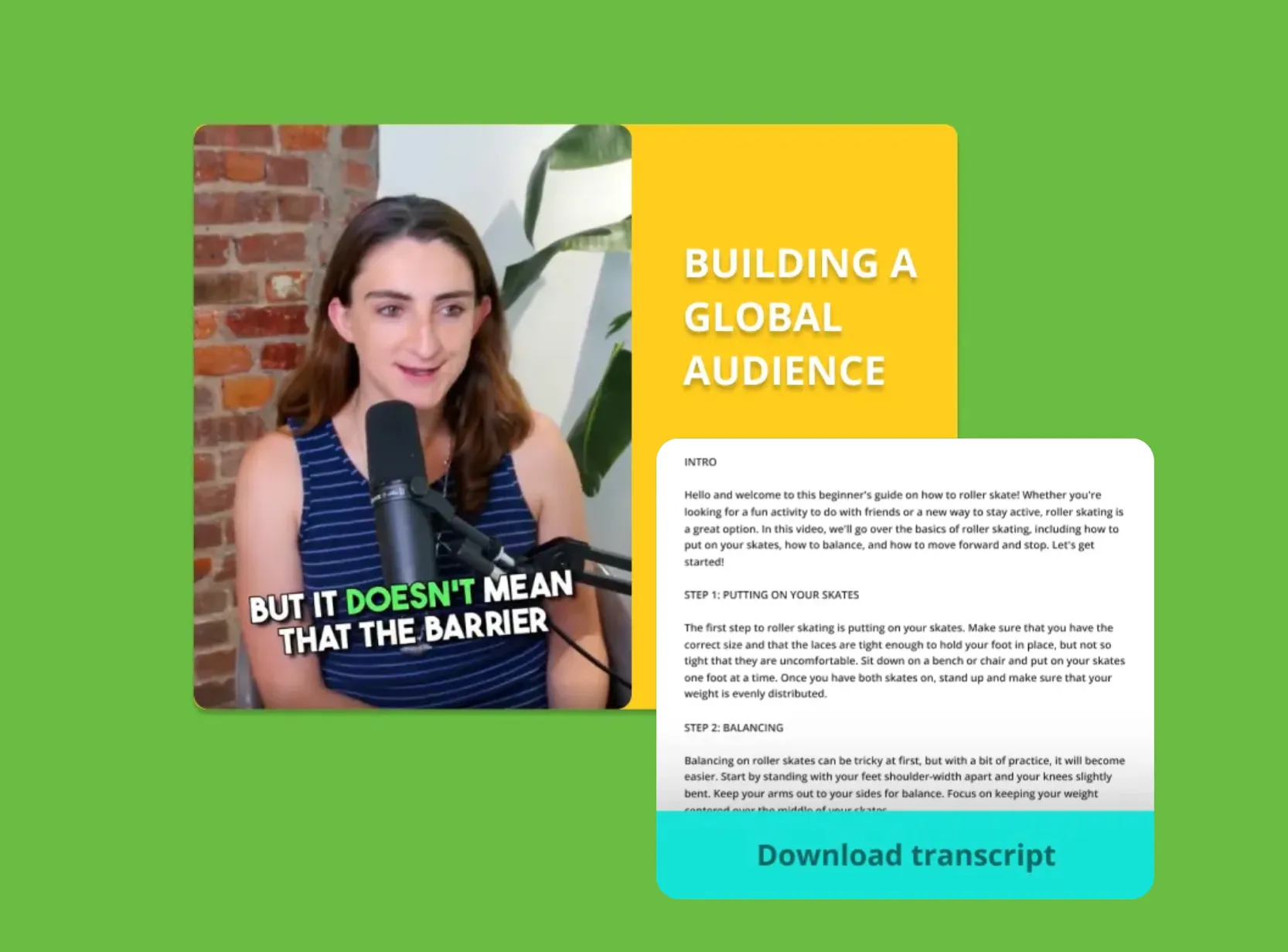
Reliable multi-speaker detection for clearer transcripts
Kapwing’s podcast to text generator automatically detects multiple voices, which you can make visible by toggling the “Hide Speakers” button in the Subtitles toolbar. Add, rename, and customize as many speaker labels as needed to improve clarity and help readers follow the conversation.
The free tool also includes intuitive features like Trim with Transcript, allowing you to delete any part of the transcript while automatically trimming the corresponding video or audio. Podcast producers, journalists, and editors use the built-in search bar quickly to find key moments, quotes, or topics — streamlining the process of editing, fact-checking, or creating highlights.
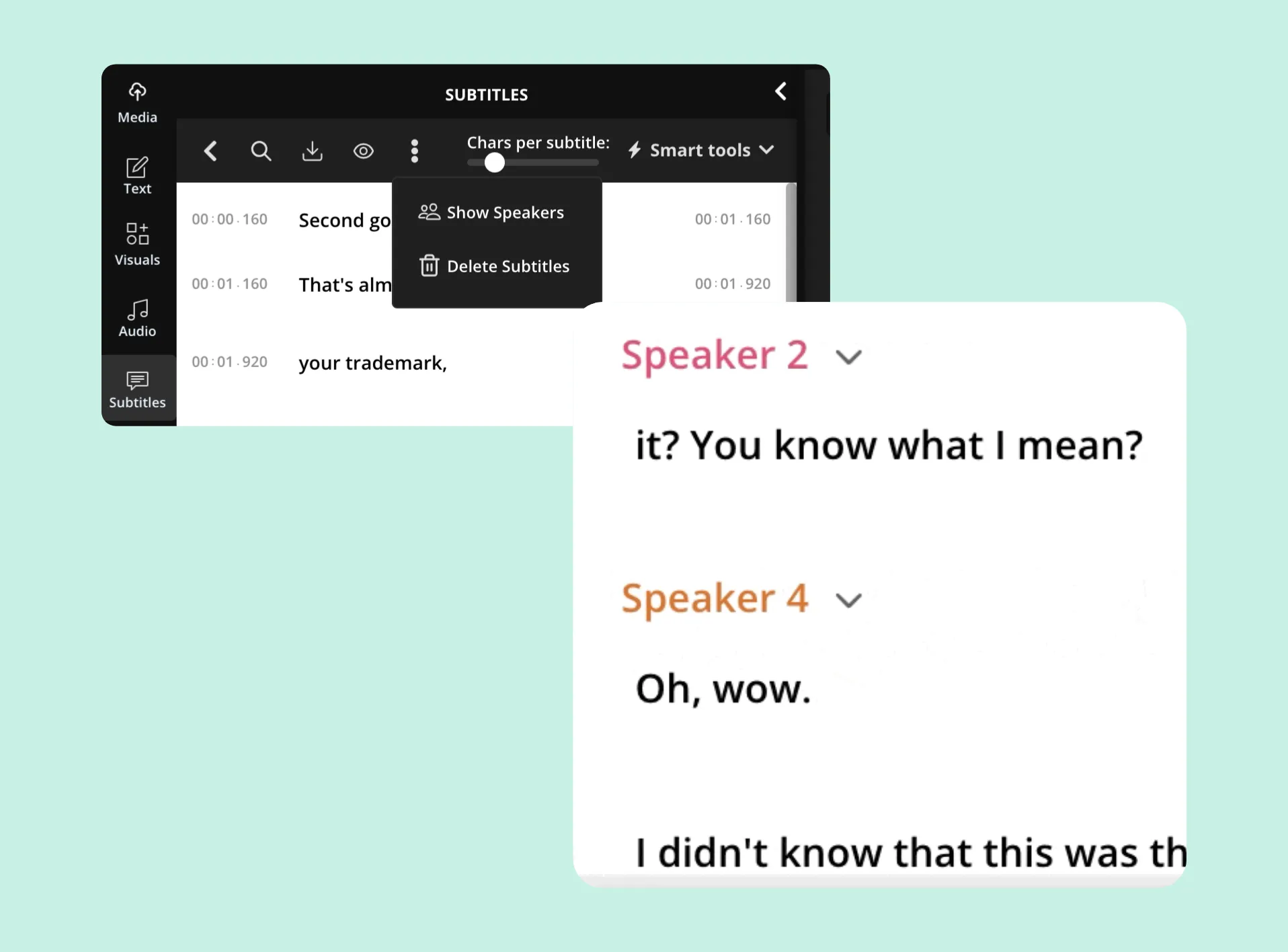
Identify key moments effortlessly with built-in timestamps
With embedded timestamps in your transcript, you can pinpoint standout moments for social media clips, newsletter snippets, or article highlights. The Podcast Transcript Generator works from pasted links or file uploads, providing support whether or not your original file is stored locally.
Upload your podcast directly with links from Google Podcasts, Apple Podcasts, YouTube Podcasts, Amazon Music, iHeartRadio, and more, then instantly access your full podcast transcription with time-coded text.

Expand your podcast’s reach with global translations
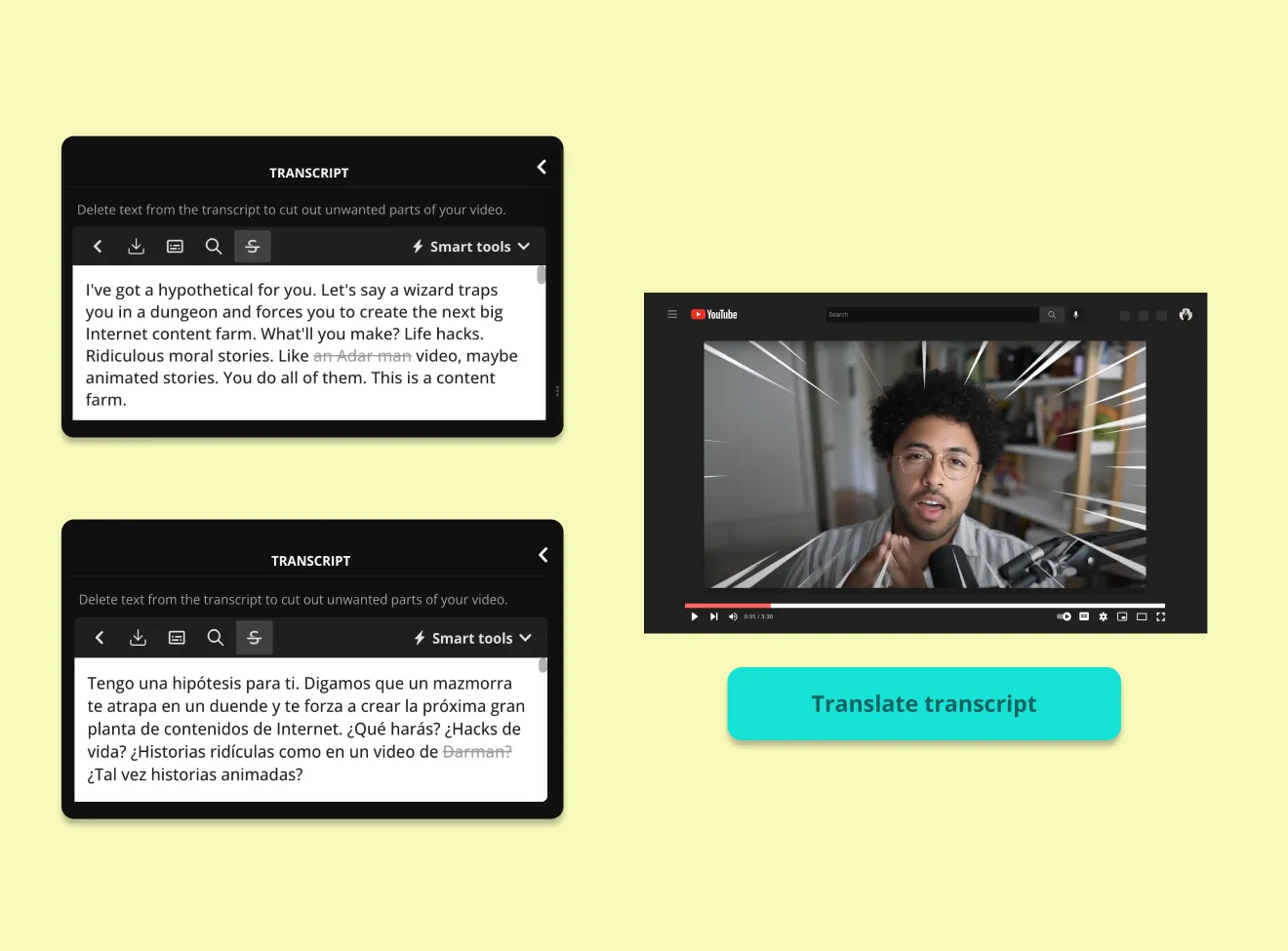
Scale your reach with the Translation Studio, built into Kapwing's complete online Video Editor. Translate your subtitle transcript into over 100 languages for downloading as a VTT, SRT, or TXT file. Or, dub your podcast audio into 40+ languages, including Chinese, Spanish, Hindi, and French. With the ability authentically transform your own voice into another language, reaching new audiences with a translated version of your podcast has never been easier.
Your audience is already listening
With podcasting on the rise, transcripts ensure your content is accessible, discoverable, and ready to scale.
Already transforming video creation across industries
Hear directly from the teams who publish faster, collaborate better, and stay ahead.


How to Create a Podcast Transcript
- Step 1Upload podcast
Open the "Transcript" tab in the left-hand toolbar and select “Trim with Transcript.” Then upload a video or audio file, or paste a URL to get started.
- Step 2Generate podcast transcript
Choose the original language of the video or use "Auto-detect," then click "Generate Transcript."
- Step 3Edit and download transcription
Edit your podcast transcript and click on the download icon above the transcript editor. Continue refining your audio or video using Kapwing’s podcast editing tools.
Transcripts are one small part of the podcast puzzle
Kapwing powers the full podcast workflow for millions of creators
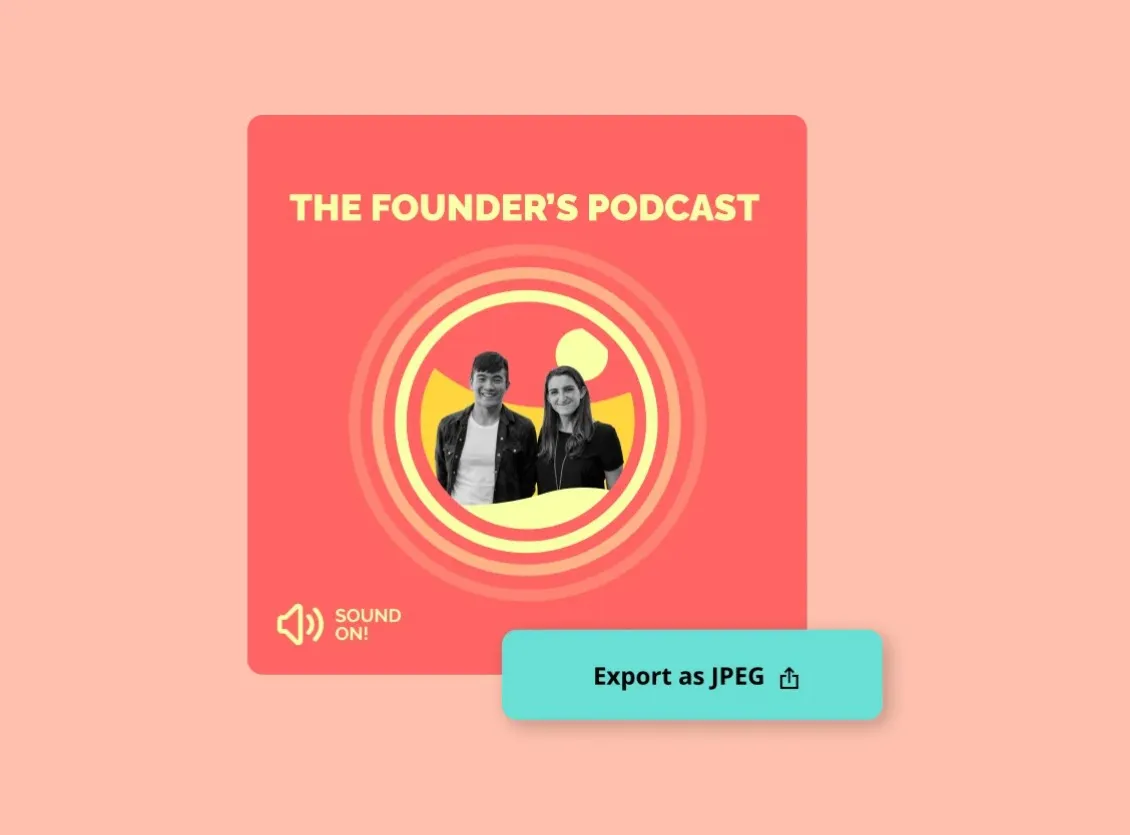
Cover Art
Design custom podcast cover art with AI-powered image tools and manual editing features, giving you full control over colors, fonts, and style
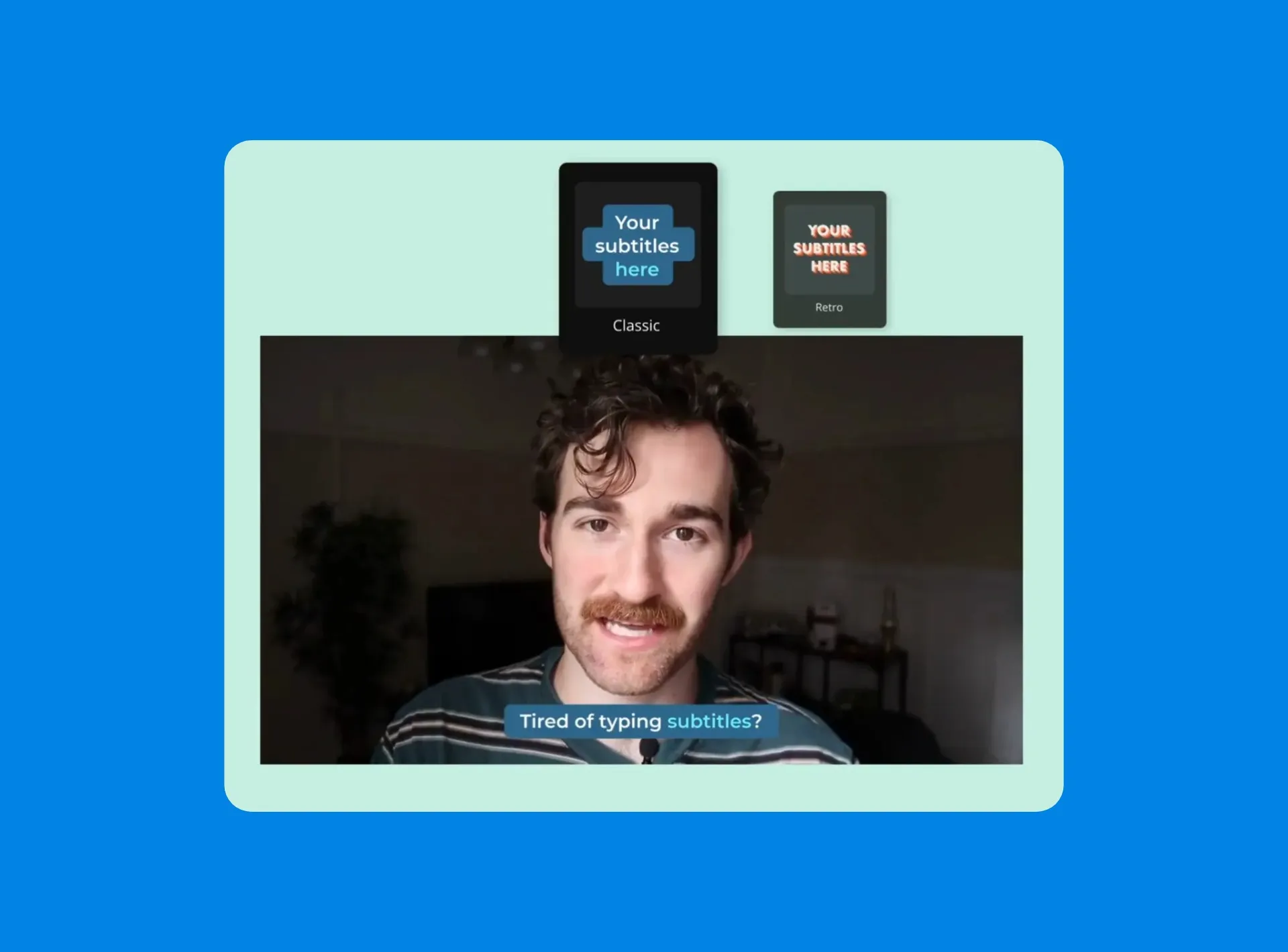
Subtitles
Add automatically generated Subtitles to your podcast video to improve accessibility, keep viewers engaged, and make your content easier to follow
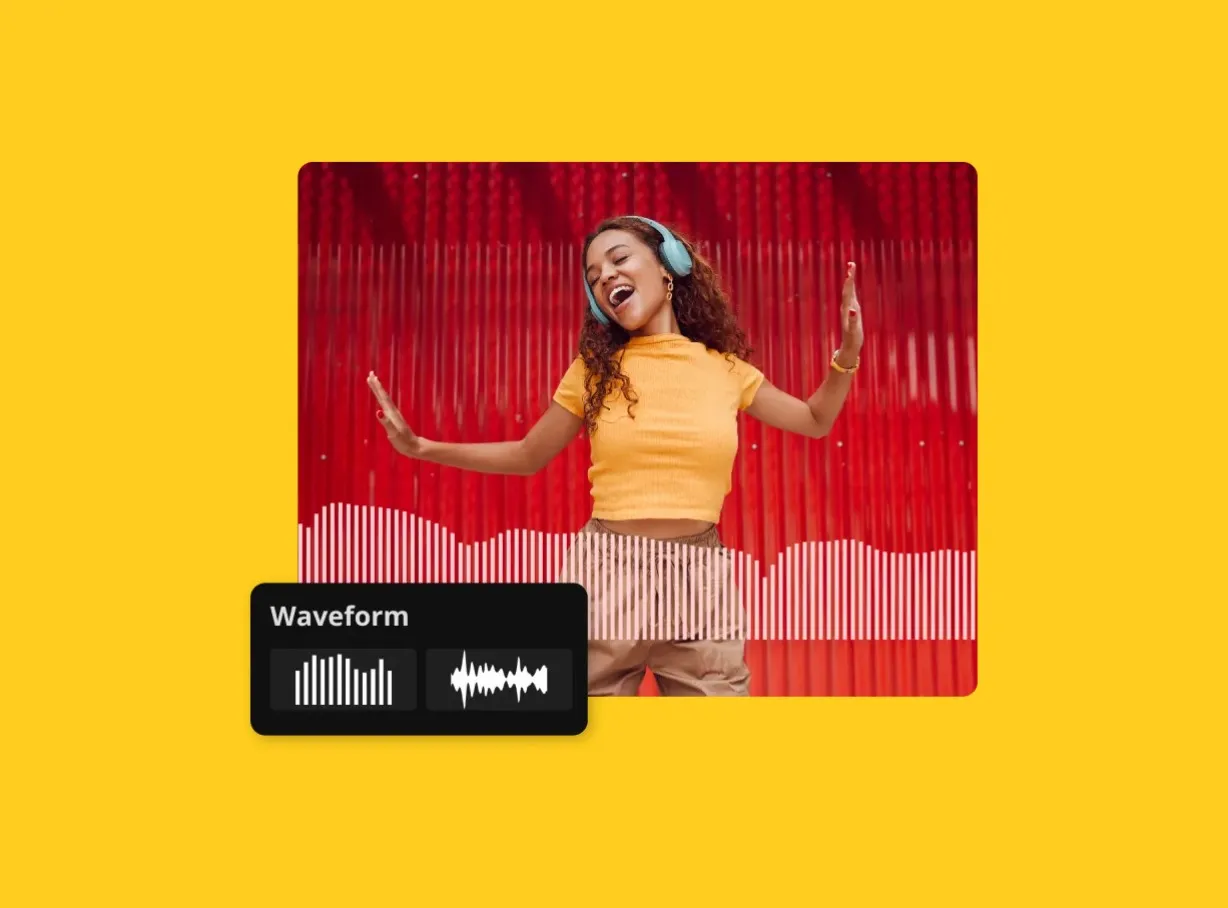
Waveforms
Visualize your audio with animated Waveforms that add a professional touch to audiograms and help drive attention on social media platforms
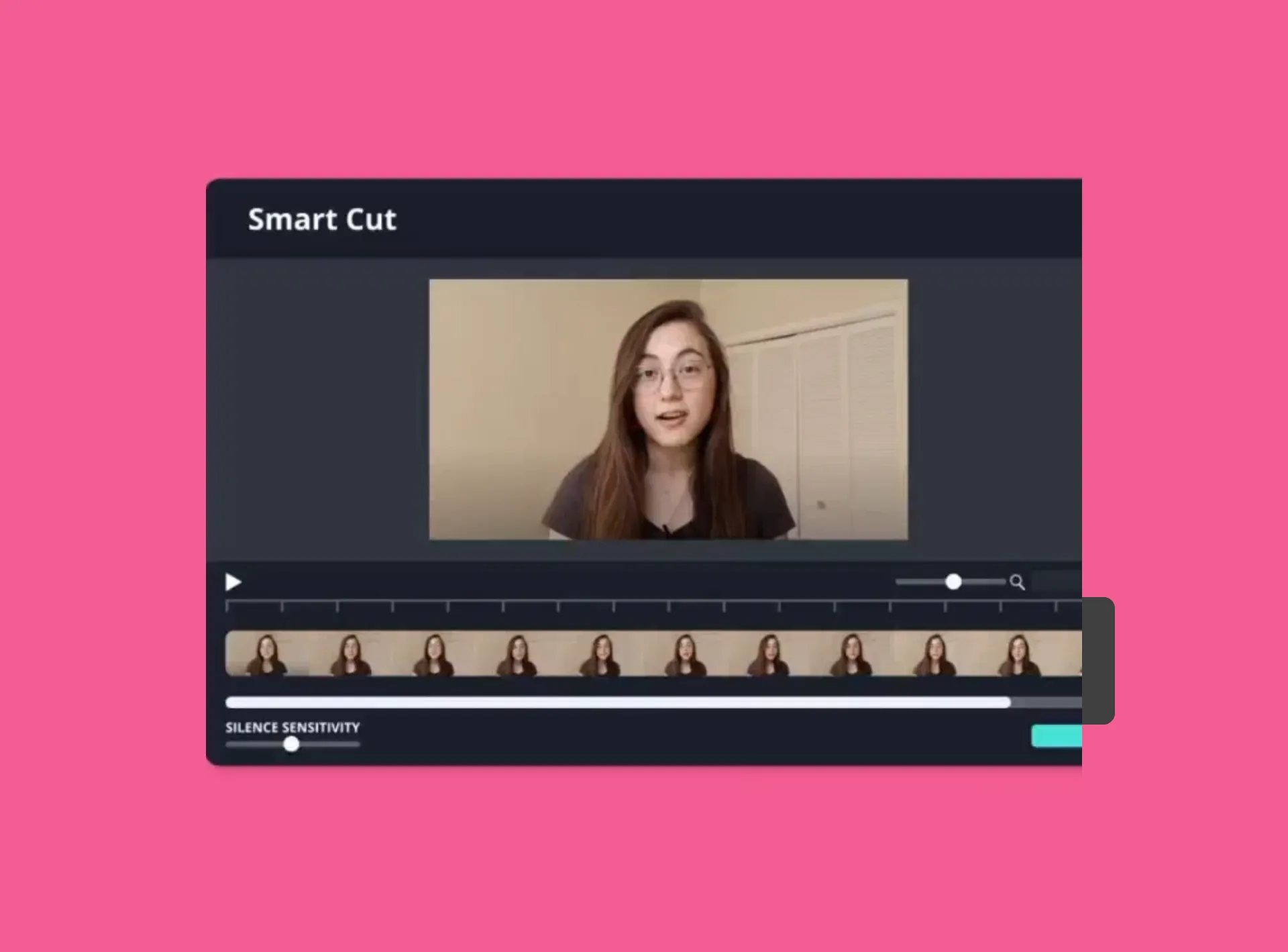
Smart Cut
Auto-remove awkward silences from your podcast audio or video with Smart Cut, cutting down editing time while keeping your delivery smooth
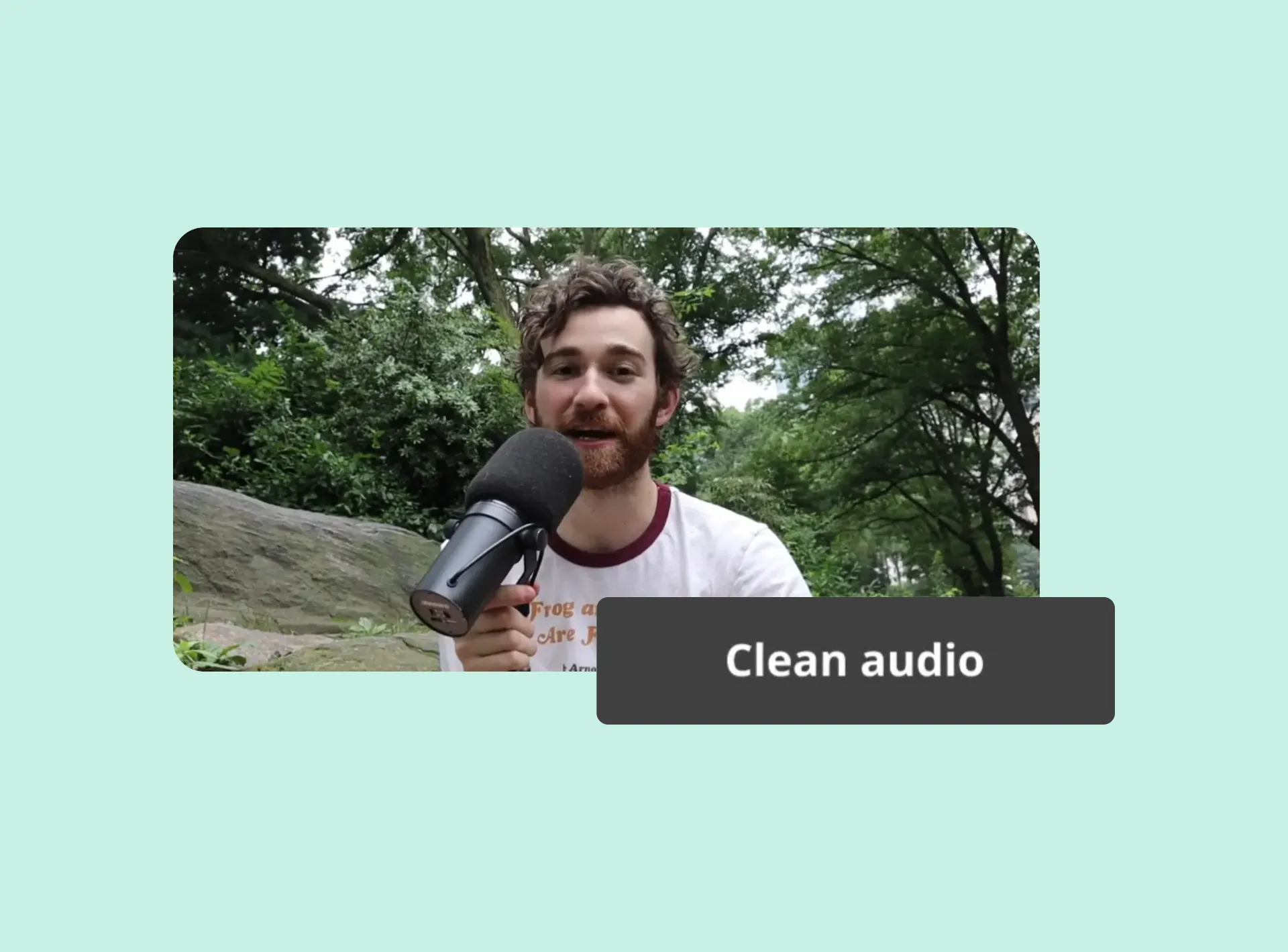
Background Noise Removal
Clean up your podcast audio with one click by removing background noise, mic hiss, or ambient distractions, ideal for remote recordings and DIY setups
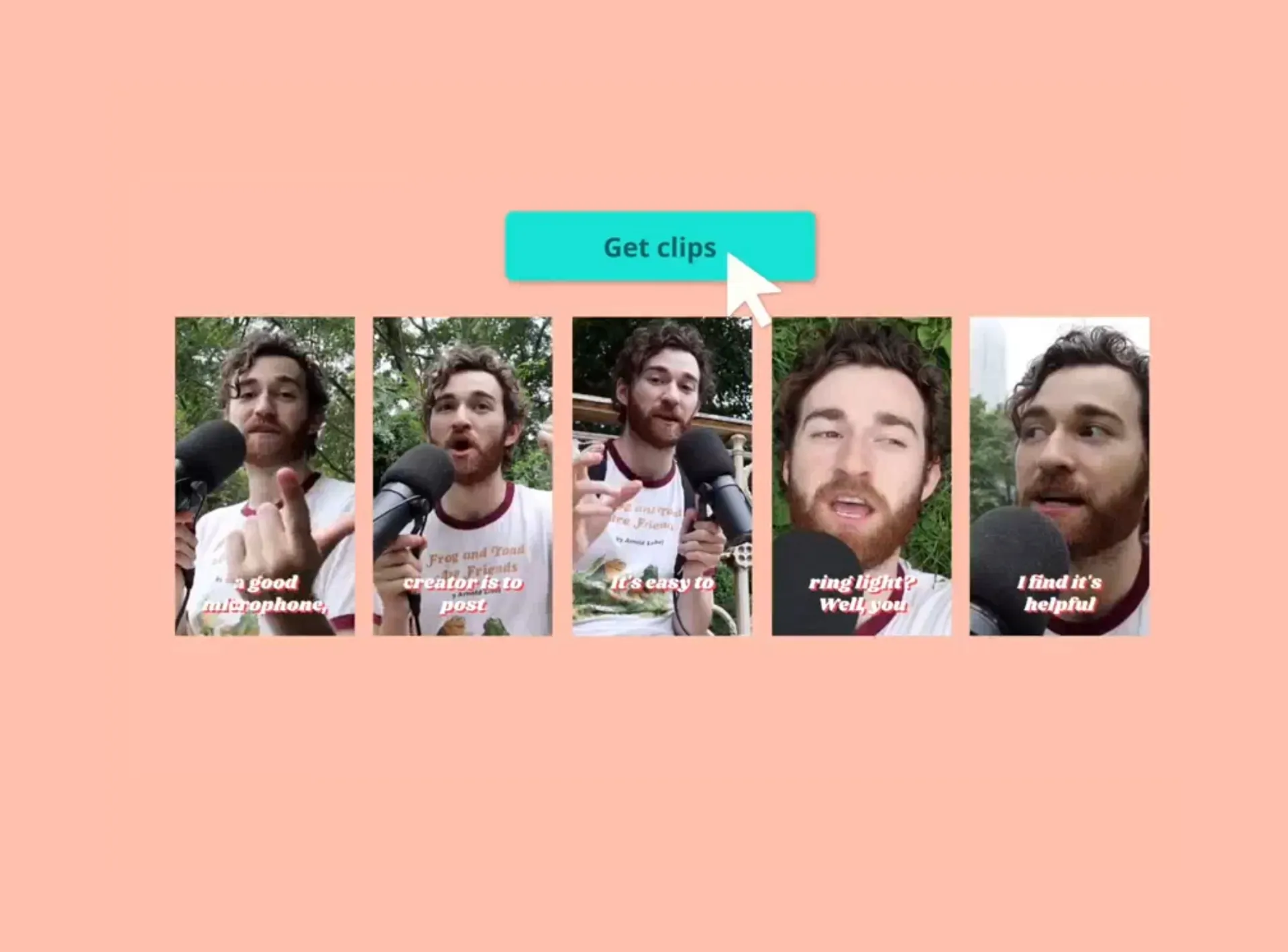
Podcast Clip Maker
Find and repurpose the most shareable moments from your podcast, perfect for short-form content on TikTok, YouTube, and Reels
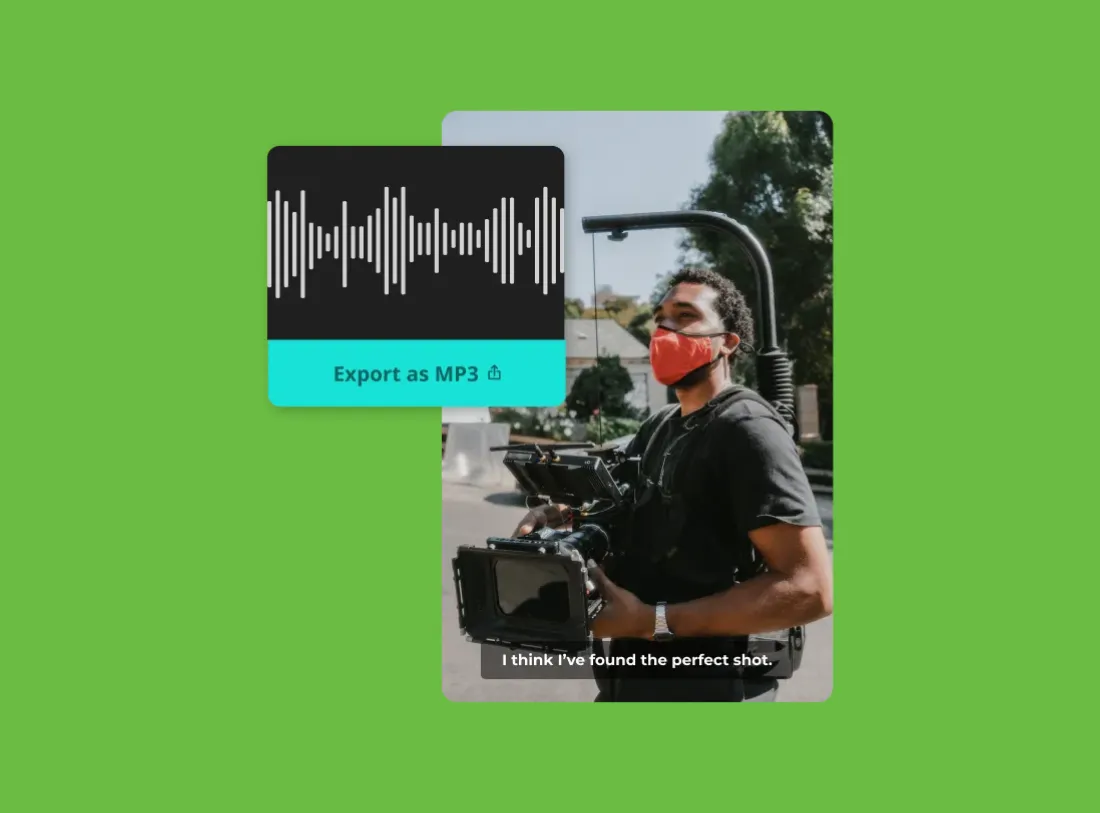
Convert
Convert your podcast into MP3 or MP4 formats to fit any distribution channel, ready for Apple Podcasts, YouTube, social media, and more
What's different about Kapwing?



Frequently Asked Questions
We have answers to the most common questions that our users ask.
Is the Podcast Transcript Generator free?
Yes, if you’re on a Free account, the Podcast Transcript Generator includes 10 minutes of free transcription each month. Upgrading to a Pro Account gives you additional transcription time.
Is there a watermark on exports?
If you're using Kapwing with a Free Account, any transcript you download will be in a plain TXT file without any watermark. However, if you add visuals or subtitles to your transcript to create a video file then the MP4 export will contain a small watermark. Once you upgrade to a Pro Account, all watermarks will be removed from creations.
What is a podcast transcript?
A podcast transcript is a written version of your podcast audio. It captures everything said in the episode, word for word, often including timestamps to show when each part was spoken.
How to get a transcript of a podcast for free
Turn your podcast into a text transcript using Kapwing’s online Podcast Transcript Generator. Upload a video or audio file from your device, or paste a URL link to get started. Use the Transcript tool to generate a downloadable TXT file, or add Subtitles to export your transcript as a VTT or SRT file.
Why should podcasts have transcripts?
Podcast transcripts make your content more accessible, searchable, and versatile. They help listeners who are deaf or hard of hearing, boost SEO by indexing your spoken content, and make it easier to repurpose episodes into blog posts, newsletters, or social media quotes.
Can you generate podcast transcripts from a pasted URL link?
Yes, Kapwing’s podcast to text tool lets you create transcripts directly from a URL — just paste your audio or video link into the editor to get started.
What video and audio files does Kapwing support?
Kapwing supports a large variety of popular video and audio formats, including MP4, MOV, WebM, MPEG, OGG, AVI, MP3, FLAC, and M4A. Note that video exports are always in MP4 and audio in MP3, as we feel these file types represents the best tradeoff between file size and quality.
What text formats can you download a transcript in?
You can download your transcript as a TXT file using Kapwing's Transcription tool, or as SRT and VTT files through the Subtitles tool.
Can ChatGPT transcribe podcasts?
No, ChatGPT doesn’t support audio or video uploads on its own. You can use tools like Kapwing’s Podcast Transcript Generator to convert your podcast into text, then paste that transcript into ChatGPT for summarizing, editing, or repurposing into show notes, blog posts, or social media content.
What languages does Kapwing support?
The podcast to text tool supports over 100 languages, including Chinese, Spanish, Hindi, French, and Arabic. Whether you're working with a video or audio file, simply select your podcast’s original language from the dropdown menu before generating your transcript.
Discover Resources
Tips, templates, and deep dives to help you create faster and share with confidence.
View all

Get started with your first video in just a few clicks. Join over 35 million creators who trust Kapwing to create more content in less time.