AI Outfit Generator
Upload any image — change the outfit with AI
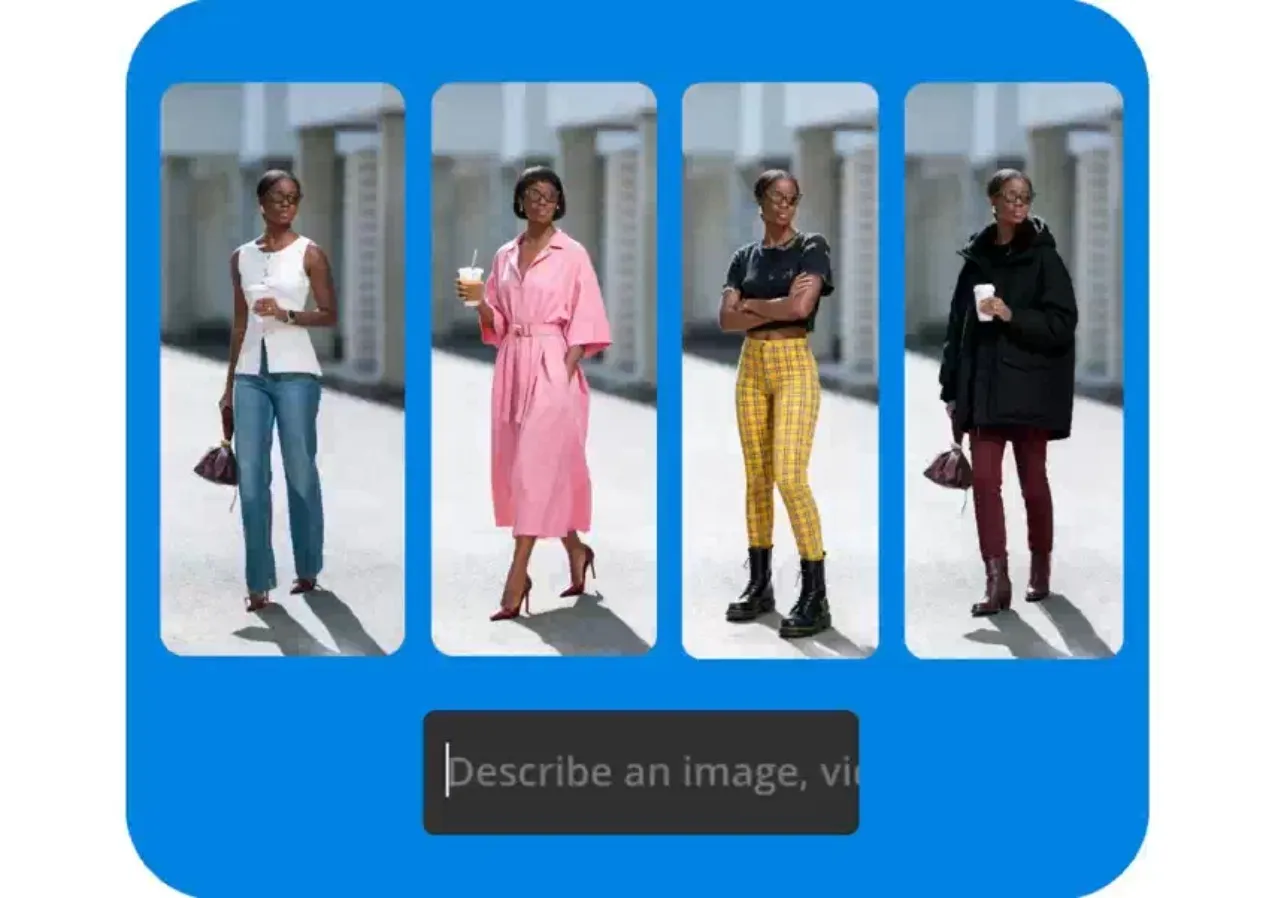
Instant outfit changes in any image
Design and try on new clothes using AI
See yourself in any outfit
Take the stress out of outfit planning and instantly visualize yourself in new colors, trends, or styles using Kapwing’s AI Outfit Generator. Use simple prompts to quickly change clothing patterns and fabrics, update accessories, or create an outfit from scratch.
Get outfit inspo by asking the AI stylist to generate the perfect outfit for different seasons, test out a new aesthetic for 2026, or work within a specific color palette.
You can even combine reference images to try on outfits — whether they’re online shopping screenshots or photos of clothes from your own wardrobe.
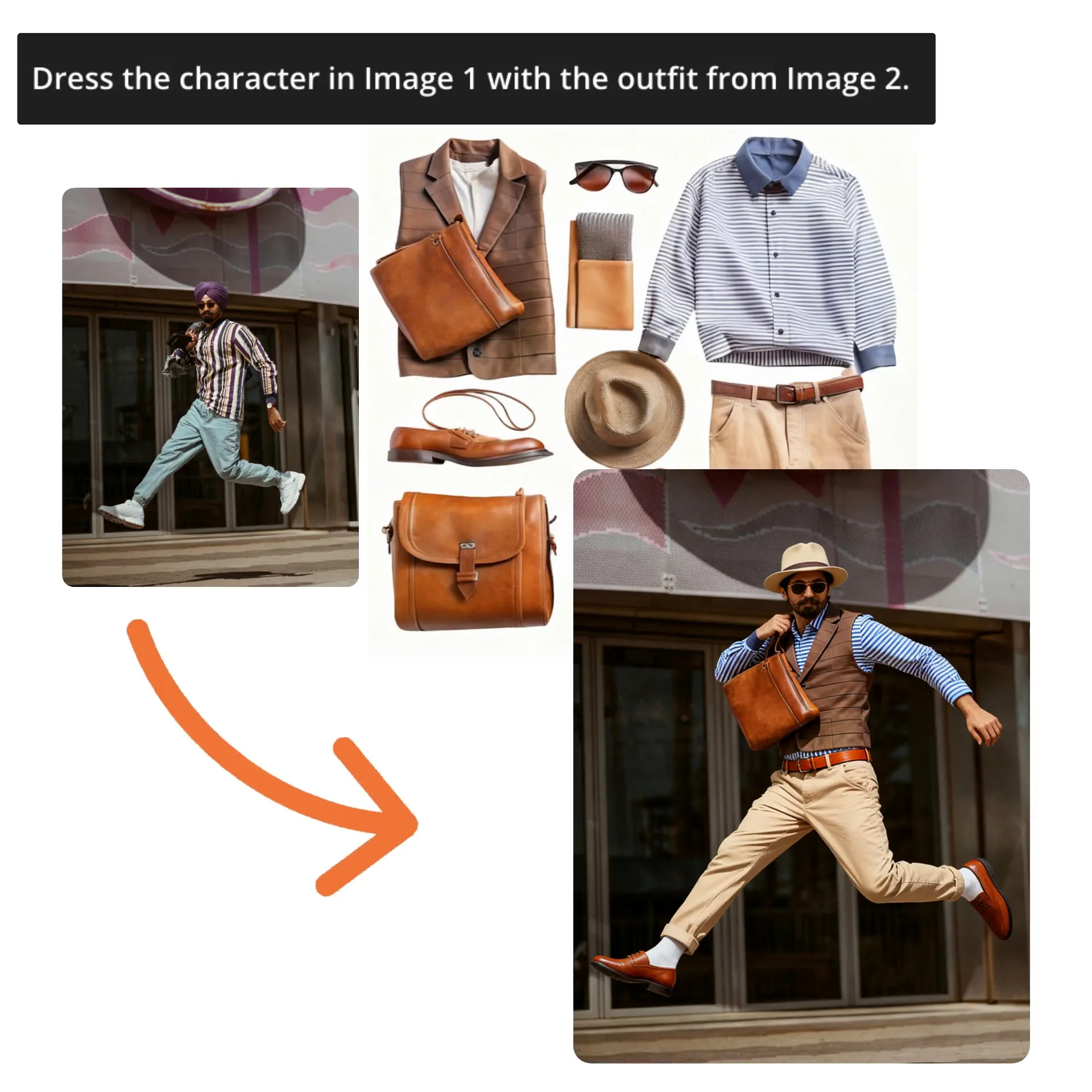
Transform photos into videos
Generate endless stylish content from a single photo. Transform older selfies into fresh content, update profile pictures to match current trends, or style a single outfit five different ways in seconds, then share on Instagram and TikTok.
Supercharge engagement by using AI Image to Video to turn your new outfit into a stunning video, effortlessly turning static outfit checks into dynamic fashion storytelling.
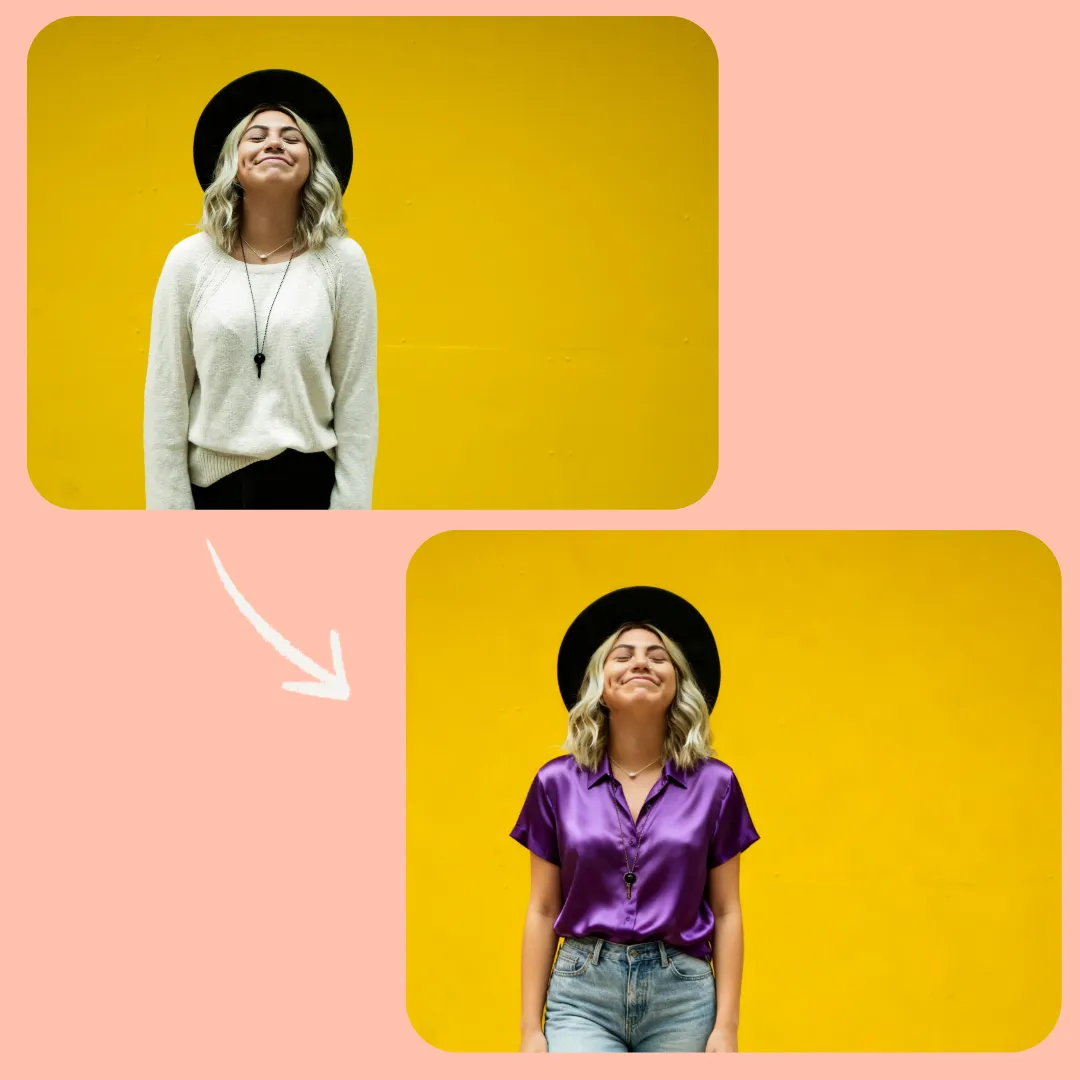
Perfect fits, no retakes
Love the photo, but the outfit's not quite right? No need for retakes; just ask Kapwing’s AI Assistant to adjust the colors, add a jacket, or remove visual clutter like shopping bags or coffee cups.
Plus, because the AI stylist is built into a full AI-powered editing studio, you can instantly animate, resize, or add text overlays to every image and video you generate.
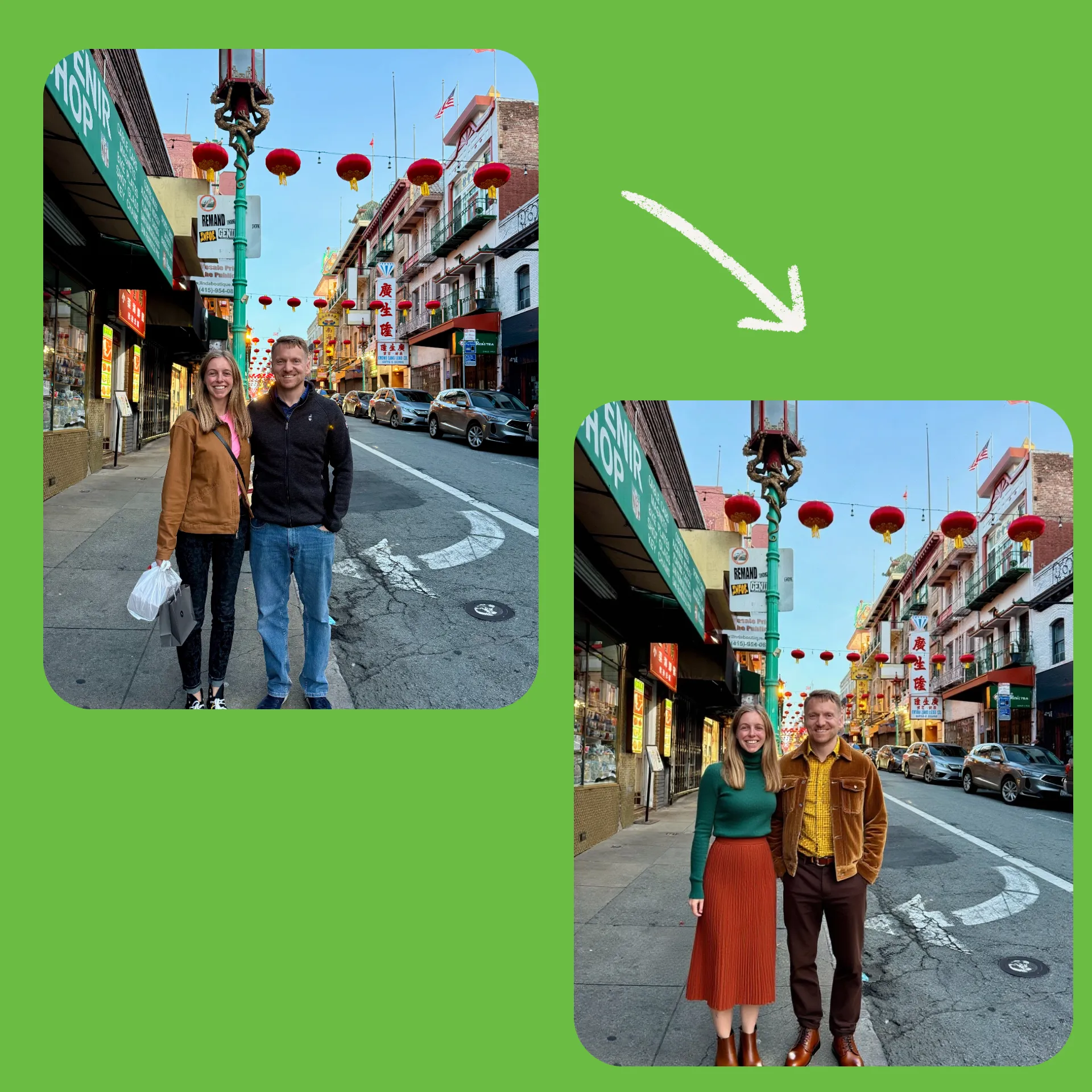
Endless looks, one photo
Use your expanded your wardrobe anywhere
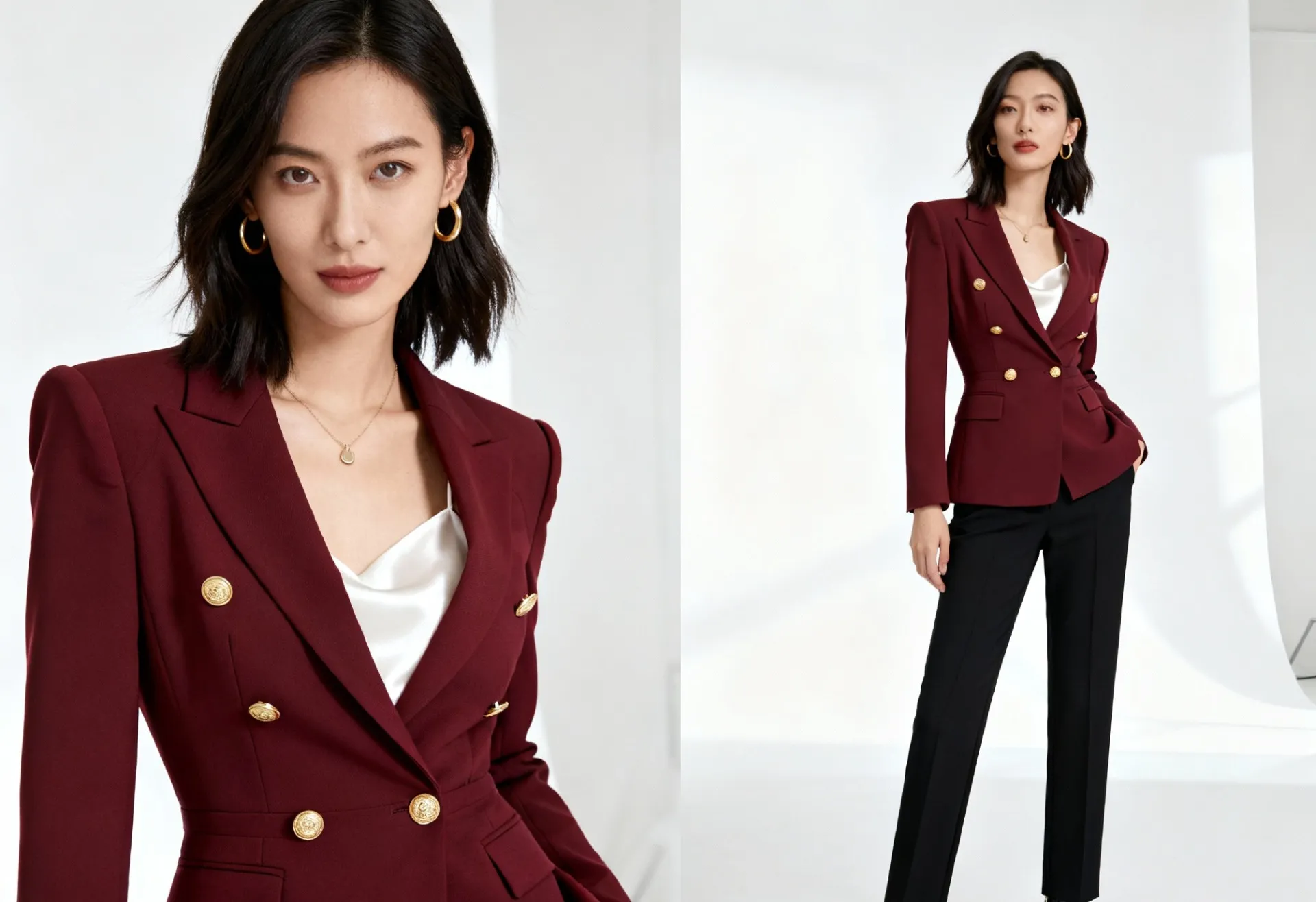
E-commerce Photos
Small businesses and online shops showcase their designs on models without expensive photoshoots. Upload product photos and generate styled visuals for catalogs, ads, or social.
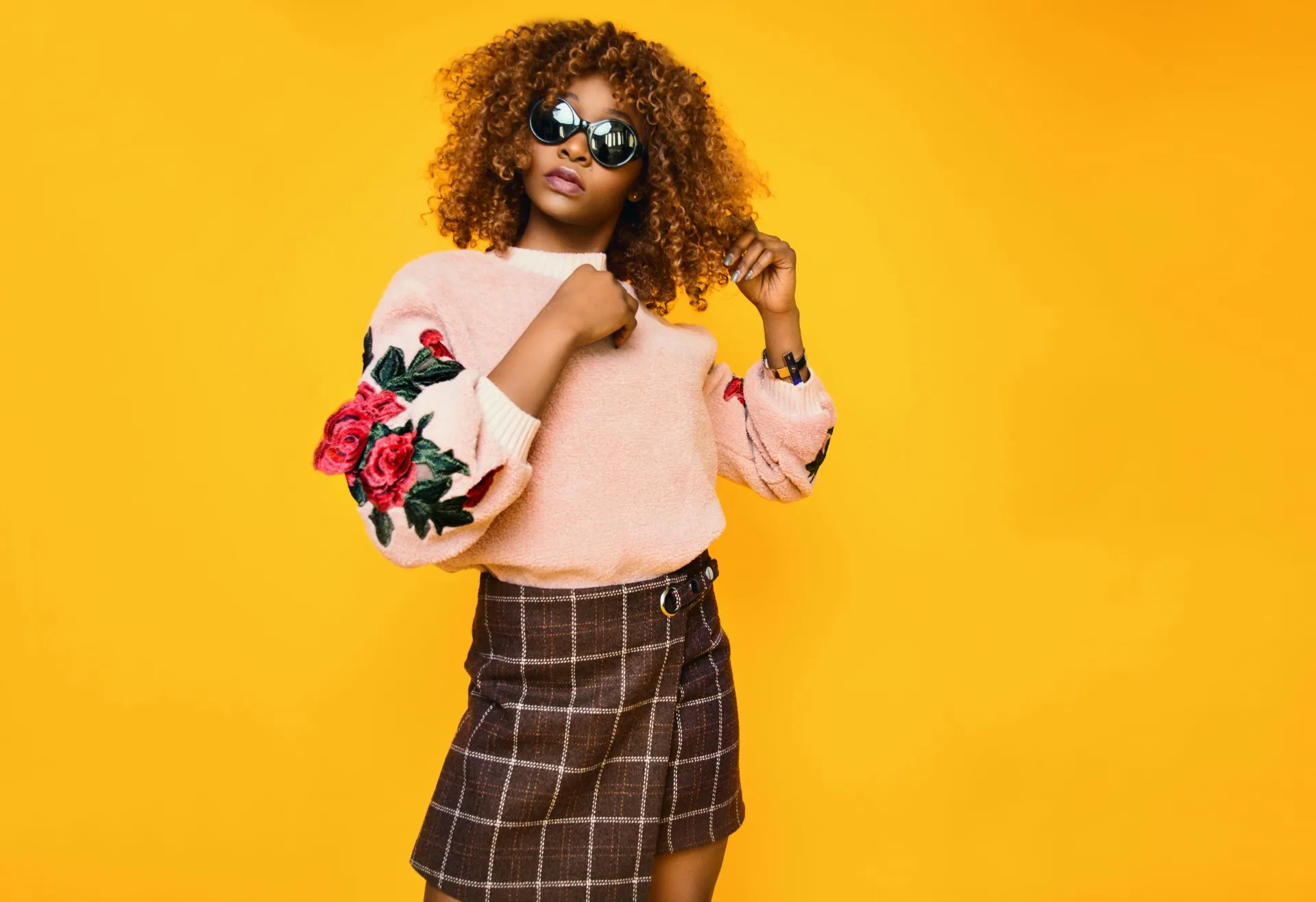
Accessible Styling
Whether planning a new wardrobe, testing a profile photo, or exploring a new aesthetic like minimalism or grunge, anyone can see themselves in outfits with free virtual clothes
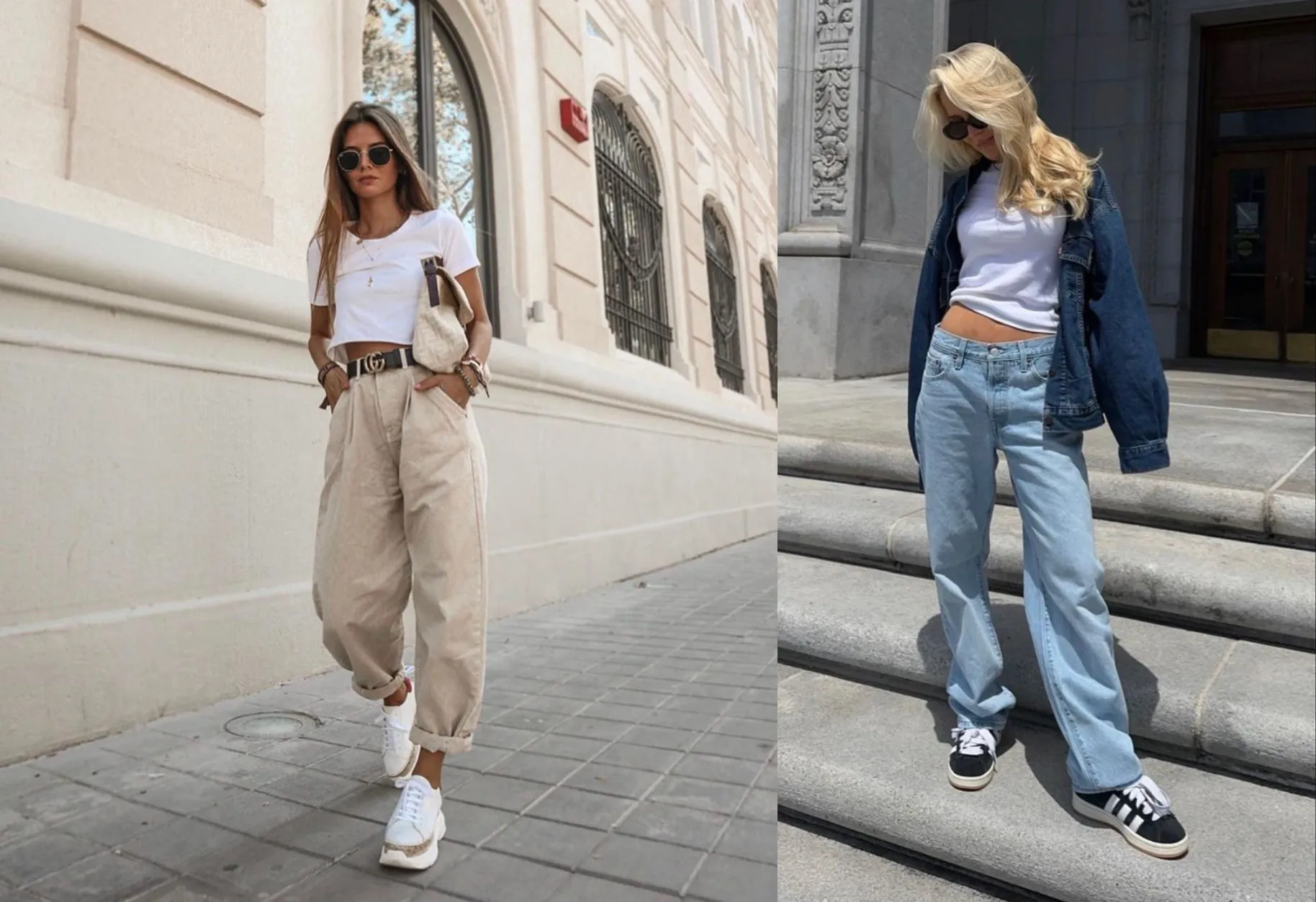
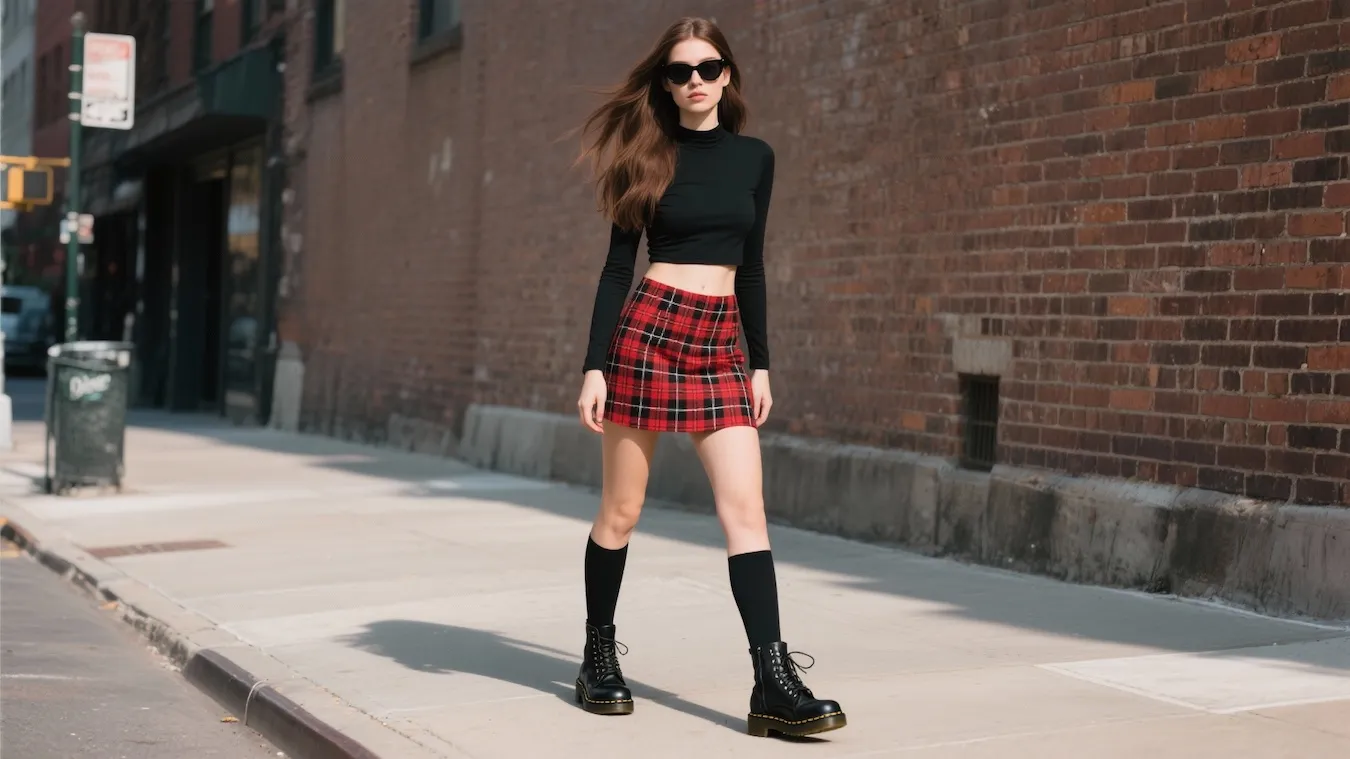
Trend Testing
Fashion writers and creators experiment with outfit description prompts to quickly visualize trending aesthetics, making it easier to cover style stories and forecast shifts in taste
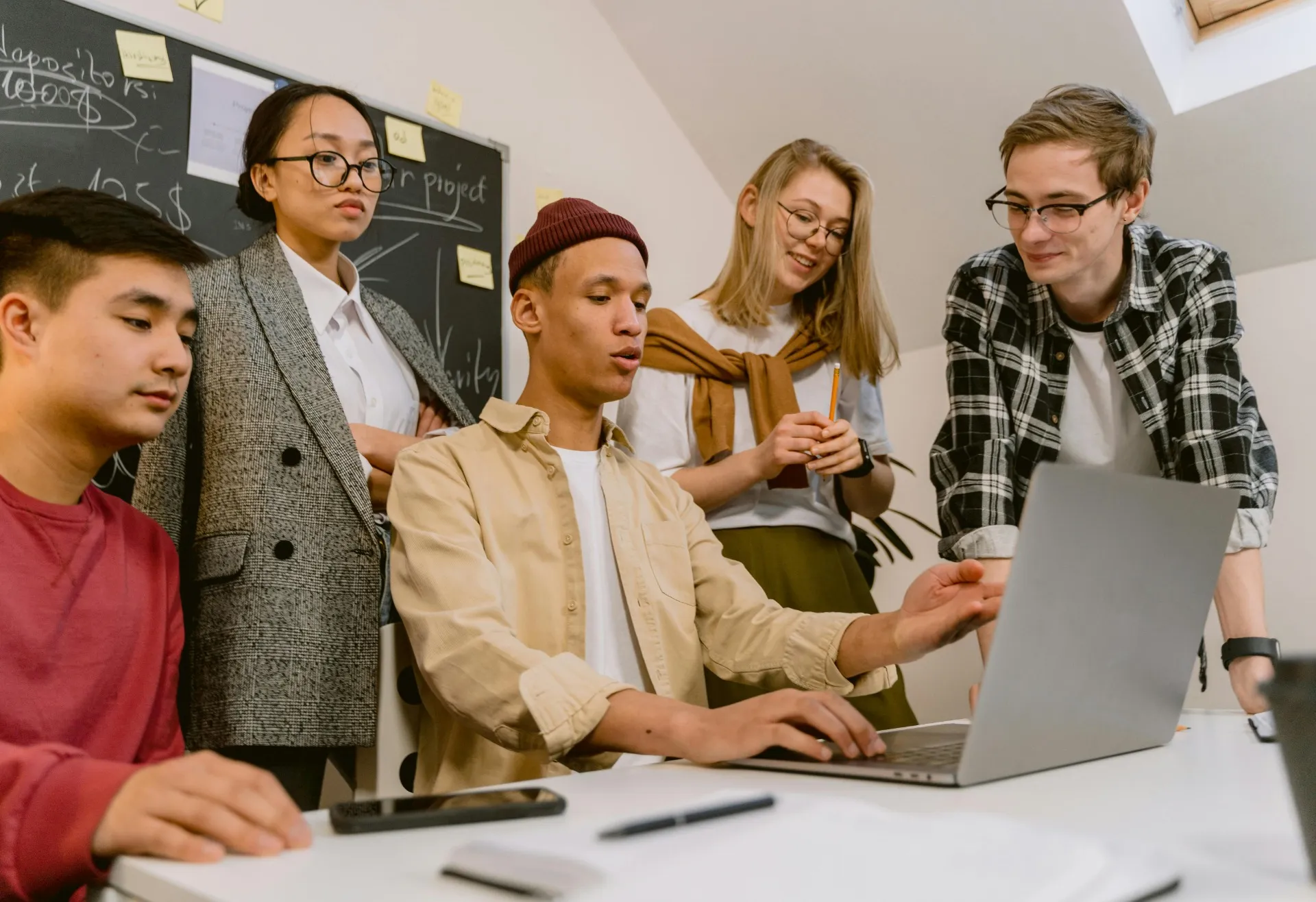
Content Repurposing
Bloggers and PR teams breathe new life into old assets by using the AI clothes swap feature to create updated visuals for press kits, newsletters, and brand collaborations

Trip & Event Preparation
Travelers and event guests put the AI outfit creator to work visualizing capsule wardrobes and testing outfits perfect for events from a week in Paris to a backyard wedding
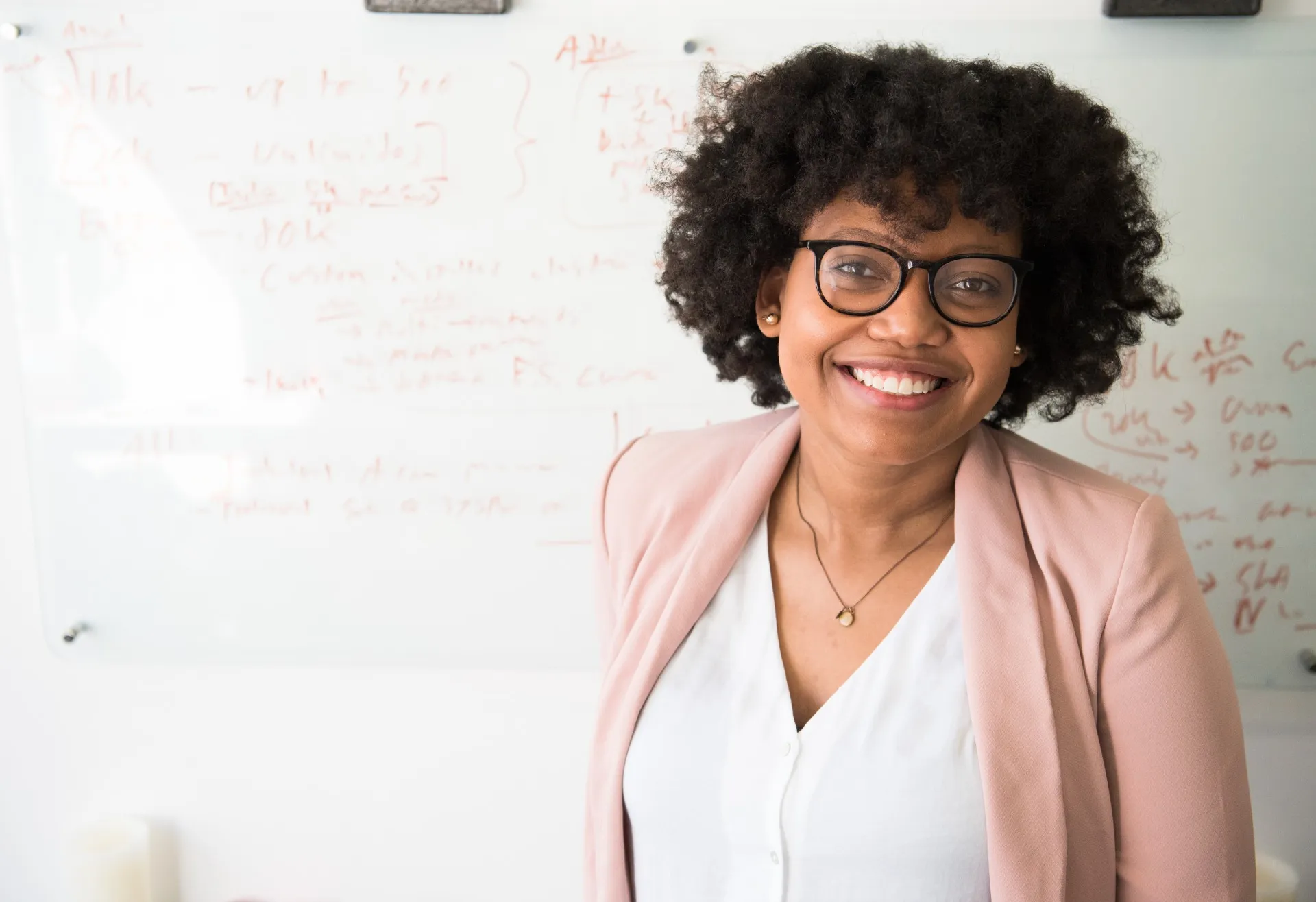
Professional Photos
Professionals in any industry use the AI outfit changer to keep headshots and portraits looking polished and up-to-date
How to Change Your Outfit with AI
- Step 1Open Kapwing
Start by opening Kapwing's AI Assistant.
- Step 2Upload an image
Next, click "Attach an Image" to upload your photo.
- Step 3Ask the AI to change your outfit
Use simple prompts to change your outfit, accessories, or styling, then download the image.
Already transforming video creation across industries
Hear directly from the teams who publish faster, collaborate better, and stay ahead.


What's different about Kapwing?



Frequently Asked Questions
We have answers to the most common questions that our users ask.
Is the AI Outfit Generator free?
Yes, anyone can try Kapwing’s AI tools for free, without a watermark. Our AI tools run on a credit system, with each feature costing a set number of credits. For maximum creativity and the best value, upgrade to a Pro account to unlock the full power of AI-driven content creation.
How do I change my outfit in a photo using Kapwing?
Start by opening a new project and uploading your image. Then, open the AI Assistant (click the lightbulb icon) and use a simple prompt to change your outfit with AI — whether you're requesting color changes, new fabrics, or a completely different style.
Can I use the AI stylist to generate completely new outfits?
Absolutely. The AI stylist can help you visualize totally new looks, from formalwear to street style, based on random outfit generator prompts like "summer wedding guest outfit" or "black leather jacket and cargo pants."
Can I create videos with my AI outfit images?
Yes, Kapwing's AI Outfit Generator allows you to generate videos from the new outfit images you create. Just describe the video you want and refine using simple prompts.
What types of outfit changes can I make?
You can change colors, fabrics, accessories, styles, or full outfits with the AI clothes swap feature. Ask the assistant to make subtle tweaks like smoothing wrinkles, or go big — like transforming casual wear into a red carpet look.
How should I write my prompt for best results?
Keep it simple and specific. The AI outfit maker understands natural language, so you can write prompts like “change this to a white T-shirt and jeans” or “make the outfit a formal red dress with heels.” You can also include style references, colors, fabrics, or even seasonal looks. Thanks to built-in prompt improvement, you don’t need to be technical — the AI stylist helps refine your request for the best result.
What kind of photo works best with the AI Outfit Generator?
For the most accurate results, use a clear, front-facing image where your full outfit is visible. Neutral backgrounds, natural lighting, and minimal obstructions (like large bags or crossed arms) help the AI outfit changer detect clothing and body shape more effectively. Selfies, portraits, or posed photos all work—as long as your outfit is clearly shown and you’re the main focus of the image.
What image file types are supported?
Kapwing works with most major image file types, including JPG, PNG, WebP, and more.
Discover Resources
Tips, templates, and deep dives to help you create faster and share with confidence.
View all

Get started with your first video in just a few clicks. Join over 35 million creators who trust Kapwing to create more content in less time.